11
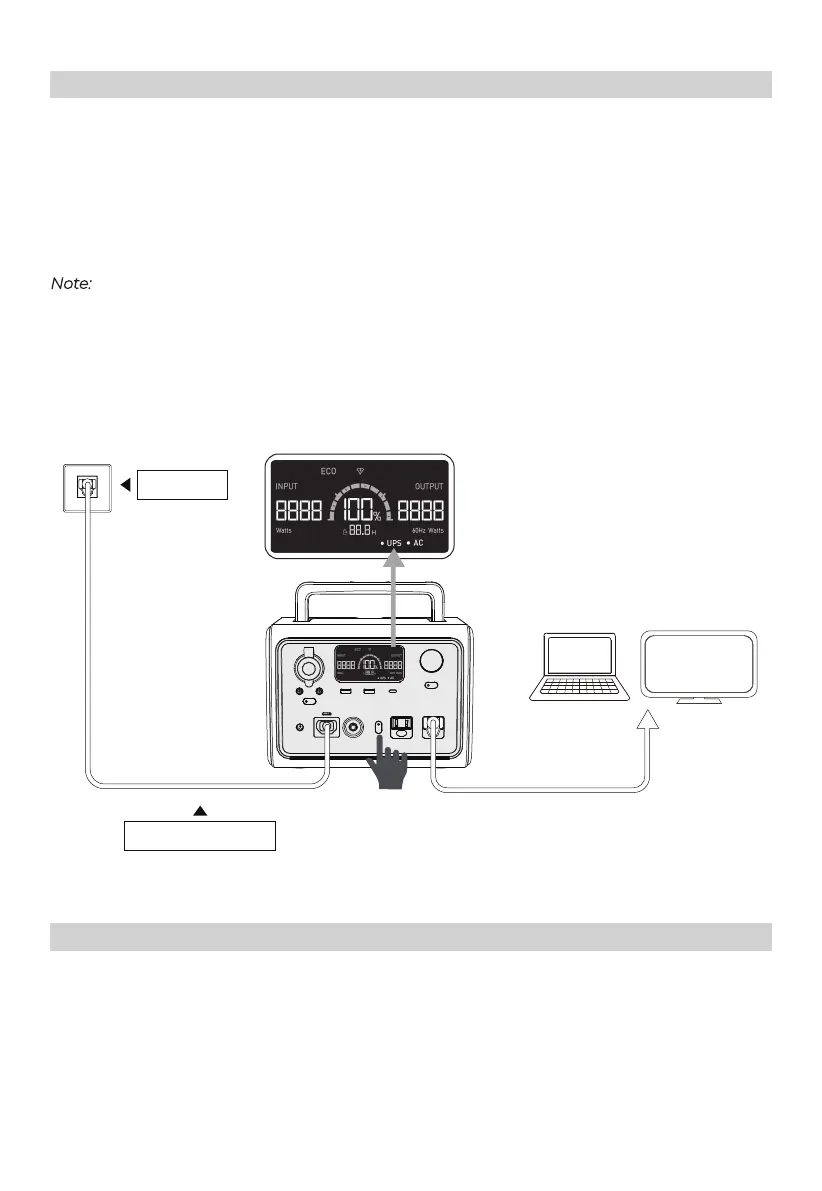
UPS Bypass Mode: Connect the EB3A with the AC power and the ‘UPS’ will be on display.
Then turn on the AC output.
When on this mode, the AC power will directly support the loads on AC output ports and
charge the EB3A.
Note:
Max. output power: 600W.
The AC inverter is disabled under UPS Bypass Mode.
The unit won’t enter this mode unless connecting with AC power AND turning on the
AC output.
UPS
AC Frequency
1
: Under 'Setting Mode', press the AC power button to switch.
Setting
1
AC Frequency: The number of alternating cycles per second in an ACsine wave. The utility frequency in US is
generally 60Hz.
AC Outlet
AC Charging Cable



 To Next Page