5. Operations
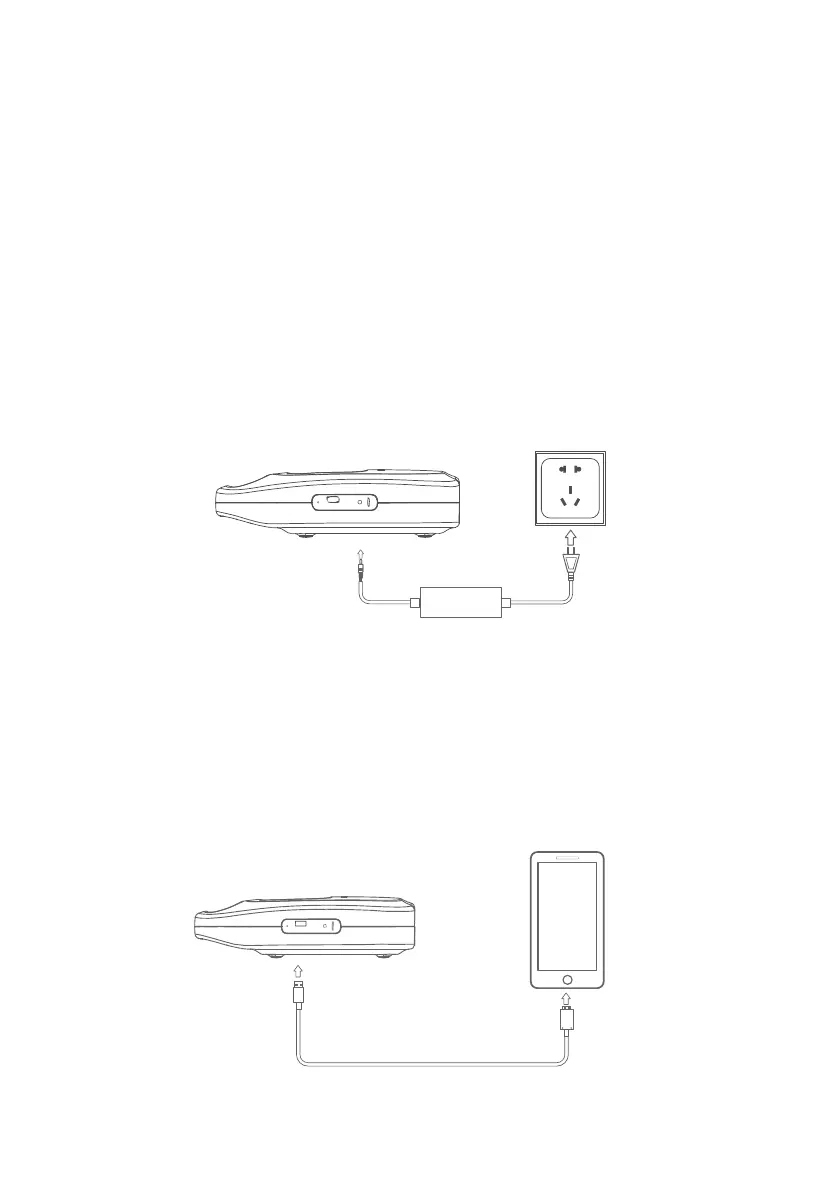
Connect one end of the adaptor to the charging port of X30, and the other end to a wall
outlet. As shown in the figure below.
5.1 Powering On/Off
•
Powering On: When X30 is off, press and hold the power button for 3 seconds to power
it on. The LCD screen will light up and the buzzer will sound for 3 seconds.
If the LCD backlight is off, press the power button for 0.3 seconds to lihgt it up again.
• Powering Off: When X30 is on, press and hold the power button for 3 seconds to power
it off. The LCD screen will be turned off and the buzzer will sound for 3 seconds.
5.2 Charging
5.3 Discharging
The DC outputs of X30 include USB-A, DC 24V, DC 15V and DC 12V. It can power various
kinds of devices.
5.3.1 USB-A Port
Simply connect a supported device to this port for charging.
X30 can only be charged via the AC adaptor.
JUST POWER ON12



 To Next Page