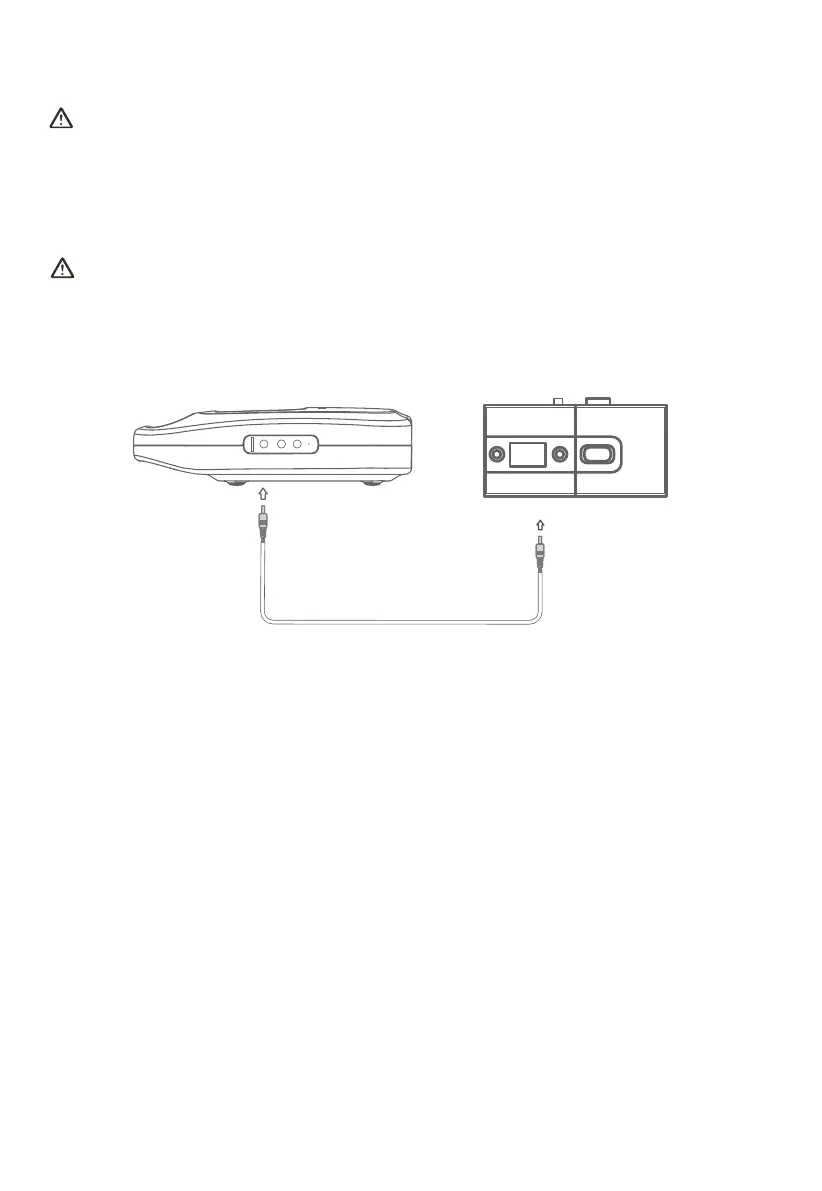
5.3.2 DC 12V/15V/24V Outputs
(1) Connect your device to the matched DC port of X30.
(2) The device is identified by X30, and the corresponding icon flashes on the LCD screen.
(3) Press the DC button, the icon stops flashing and the power output of X30 is enabled.
Note:
• Only one of the three ports (DC 24V, DC 15V and DC-12V) can be used at a time.
• Before switching output ports, disconnect the connected device and repeat the steps
above.
5.4 Set Battery Protection Mode
The battery life can be extended under Battery Protection Mode. When enabled, the
battery level of X30 will remain between 60% and 70%.
It is recommended to enable this mode if X30 is kept being charged.
• Enable Battery Protection Mode: When X30 is powered on, press and hold the DC
button for 5 seconds to enable battery protection mode. When enabled, the % icon on
the LCD screen will continue to flash.
• Disable Battery Protection Mode: Press and hold the DC button for 5 seconds. The
mode will also be disabled when powering off X30 or removing the charger. When
disabled, the % icon on the LCD screen stops flashing.
Confirm the power input port of your device matches the relavant DC output of X30.
JUST POWER ON 13



 To Next Page