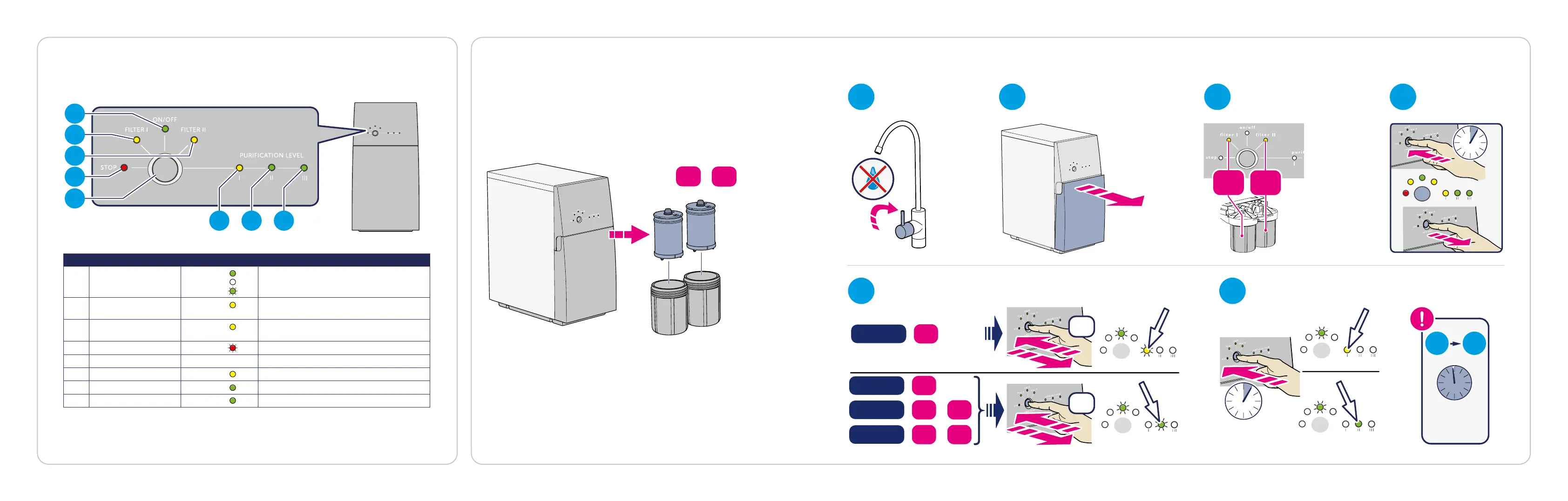
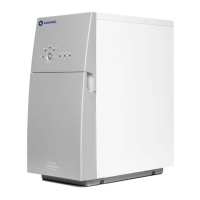
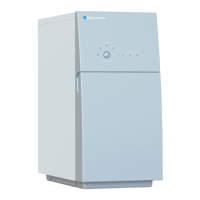
Pos Light/Button Description
1 ON/OFF On:
O:
Flashes:
The water purifier is connected to power.
The water purifier is not connected to power.
The water purifier is flushing.
2 FILTER I On: Pro 400: Replace FILTER I.
Pro 600: Replace both FILTER I and II.
3 FILTER II On: Pro 400: Replace FILTER II.
Pro 600: Replace both FILTER I and II.
4 STOP Flashes/On: Something is wrong, see "Troubleshooting".
5 Button Various functions.
6 PURIFICATION LEVEL I On: Incomplete purification: DO NOT DRINK.
7 PURIFICATION LEVEL II On: Medium purification: Ready to drink.
8 PURIFICATION LEVEL III On: Highest purification: Ready to drink.
Change the prefilters
1
2
3
4
5
6 7 8
Check indicators lights
1
5 6
2 3 4
I
II
II
I
II
I
5 s
Pro400
Pro400
I
:
II
:
:
:
Pro400
III
+
III
+
Pro600
Pro400
Pro400
I
:
II
:
:
:
Pro400
III
+
III
+
Pro600
MAX
60 min
×2
×1
×2
×2
3 s
6 19
https://www.bluewatergroup.com/where-to-buy/
Pro 600: change both filters when filter light I or II lights up.


 To Next Page