Need help?
Do you have a question about the Bluewater Pro Series and is the answer not in the manual?
Before installation/operation, follow manual instructions to prevent injury or damage. Contains CAUTIONS and NOTICES.
Use cleaned water when Purification level II/III lights are on. Safe for children >8 yrs and supervised persons.
Details capabilities of different Pro models, including TDS handling and commercial suitability.
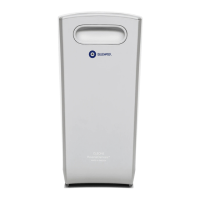
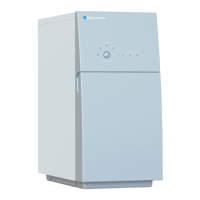
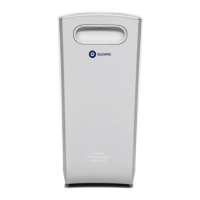
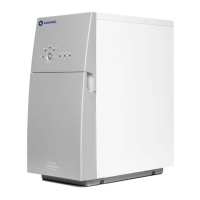
Illustrates the exterior of the Pro unit with numbered parts for identification.
Describes the lights and buttons on the control panel.
Shows internal components and their part numbers.
Illustrates the overall system setup with numbered components for easy identification.
Explains how to use cleaned water and details the automatic flushing process.
Covers installation guidelines, leak protection, and low pressure protection.
Includes checking indicator lights and cleaning the purifier's exterior surface.
Emphasizes the importance of regular maintenance by trained and authorized personnel.
Provides a table of common symptoms, their causes, and solutions for easy troubleshooting.
 General
| Storage Tank Capacity | 3.2 gallons |
|---|---|
| Warranty | 1-year limited warranty |
| Filtration Technology | Reverse Osmosis |
| Stages of Filtration | 5 |
| Filter Life | 6-12 months |
| Installation Type | Under Sink |


 To Next Page