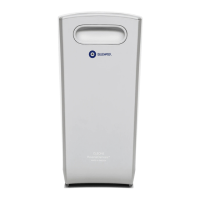
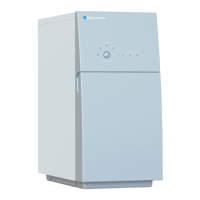
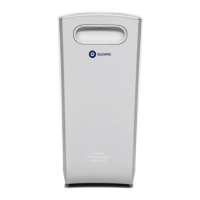
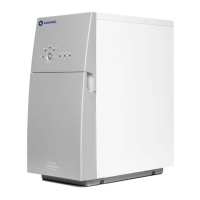
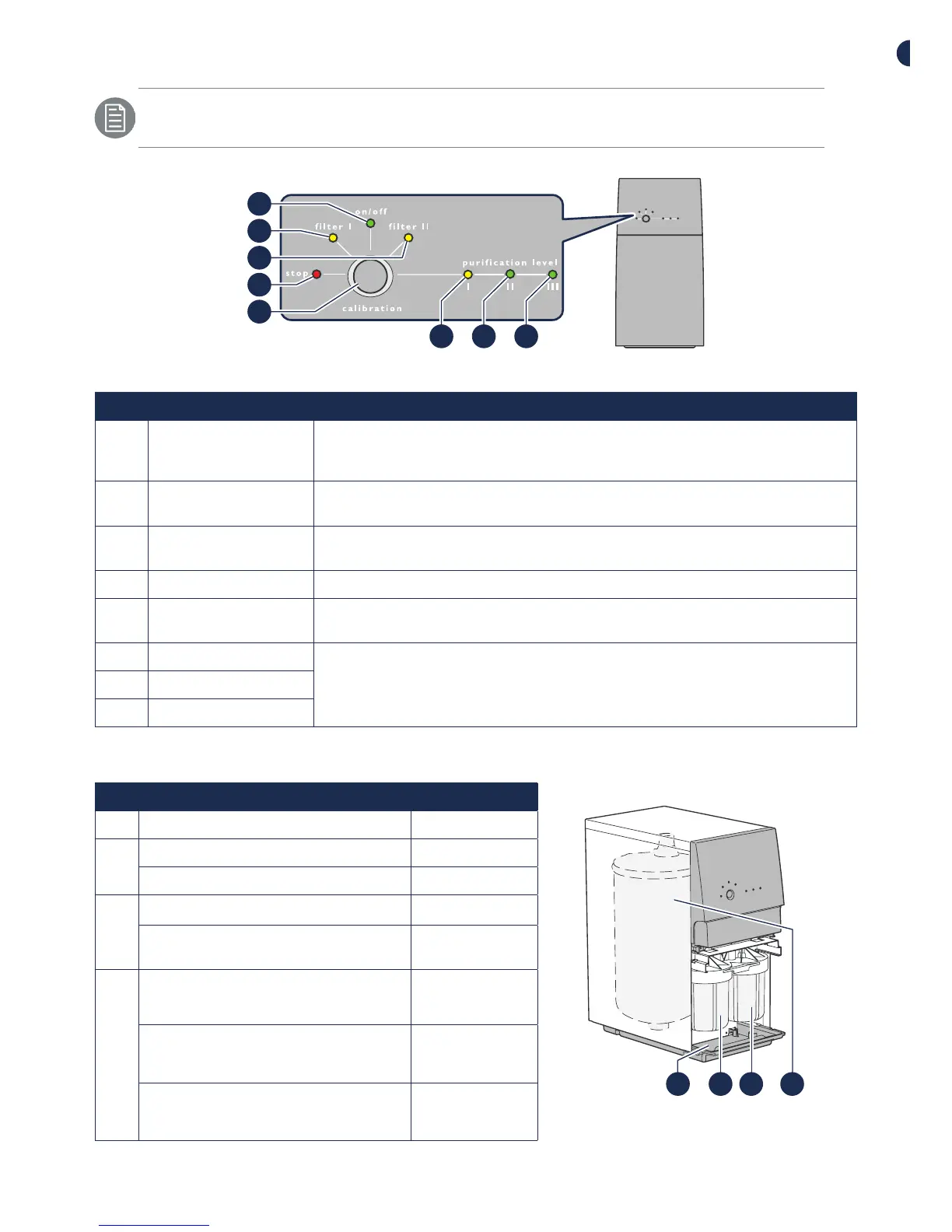
Control panel
For information about combinations of lights that flash/are on, see
"Troubleshooting".
1
2
3
4
5
6 7 8
Figure 2. Control panel
Pos Light/button Description
1 on/o On:
O:
Flashes:
The water purifier is connected to power.
The water purifier is not connected to power.
The water purifier flushes. Flushing cannot be stopped.
2 filter I On: The filter must be replaced. Pro 600: Replace both
Carbon Block filters.
3 filter II On: The filter must be replaced. Pro 600: Replace both
Carbon Block filters.
4 stop Flashes/On: Something is wrong, see "Troubleshooting".
5 calibration Calibration button, various functions see Complete
User manual.
6 purification level I On: Purification level I-III indicates clean water purification
level. Low level I to high level III.
7 purification level II
8 purification level III
Pro inside and replacement components
Figure 3. Pro inside
1
2 3 4
Pos Description Art.-Nr.
1 Base plate
2 Prefilter I, Pro 600: Carbon Block 919240005
Prefilter I, Pro 400: Sediment filter 919240002
3 Prefilter II, Pro 600: Carbon Block 919240005
Prefilter II, Pro 400: Carbon filter,
granulated
919240003
4 Reverse osmosis membrane
Membrane service kit, type HR
(High Rejection)
150718900-SP
Membrane service kit, type HF
(High Flow)
150718901-SP



 To Next Page
 Loading...