Water production
Only use the cleaned water when the lights “Purification level II
and III” on the control panel are on. It can take up to 60 seconds
before the water purifier indicates good water quality.
For models suitable for commercial use the faucet could be replaced by for example a
valve or a tank.
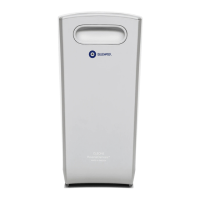
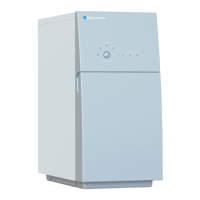
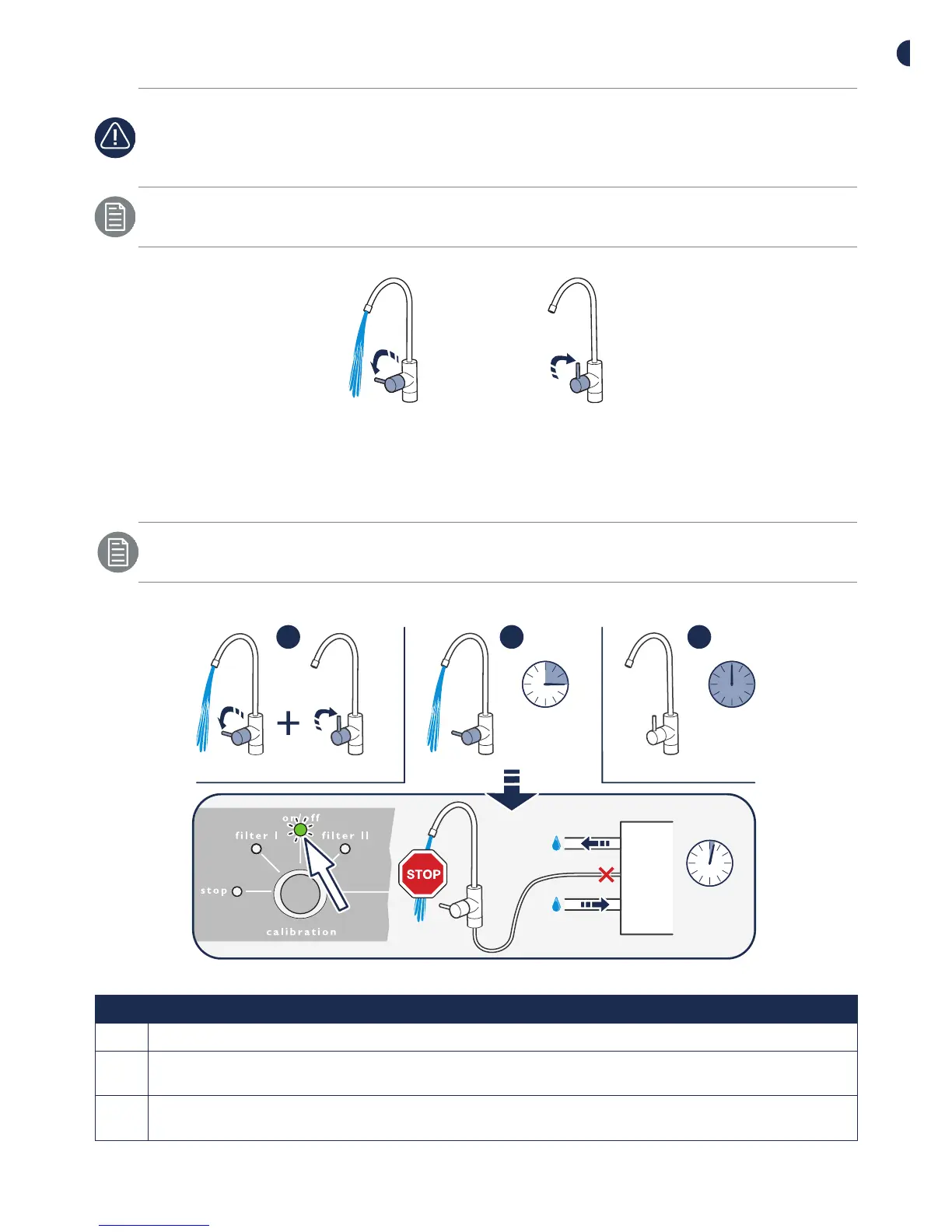
Figure 5. Water production on/o
Automatic flush
The length of the flush process varies between 5-120 seconds, depending on how
long the previous drawing of water lasted.
An automatic flush will be performed if one of the conditions below are fulfilled:
12 h
15 min
2 min
1 2 3
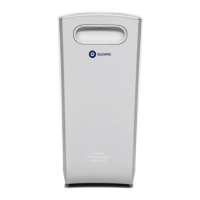
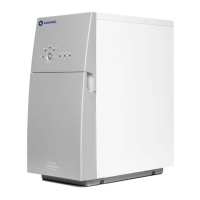
Figure 6. Automatic flush
Pos Description
1 Flush after drawing water. Every time after drawing water.
2 Flush when drawing water. After maximum operation time 15 minutes. (Pro 400B must be
manually restarted)
3 Water purifier in standby mode. Pro is connected to water and power. Flush is performed
every 12 hours, regardless of when clean water was last produced.


 To Next Page
 Loading...