40
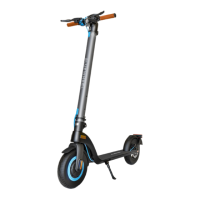
USING THE IX500
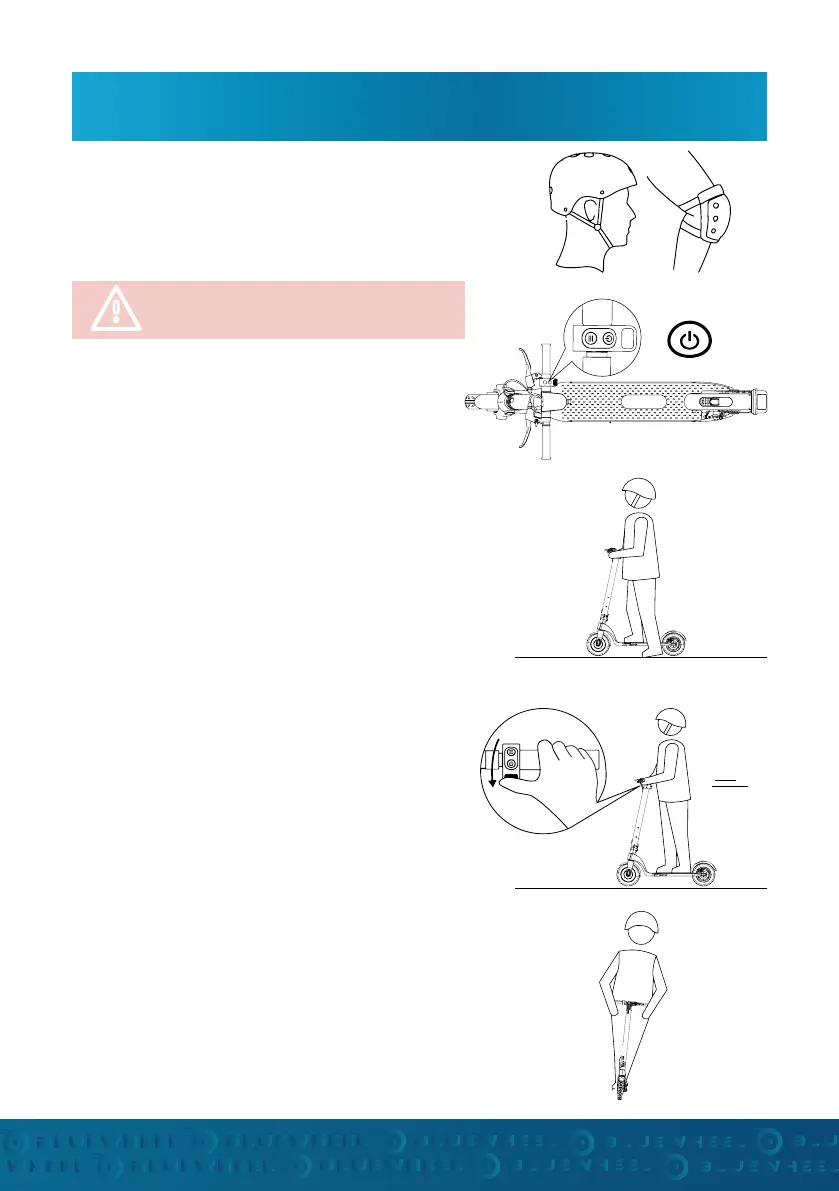
Wear appropriate protective clothing such as a
helmet, knee pads, elbow pads and wrist pads. This is
especially necessary when you are learning to drive
Press and hold the power button for 2 seconds to turn
on the scooter.
DRIVE OFF:
TURN ON:
PREPARATION:
Foot Position - Before riding, place one foot as close
as possible to the front of the scooter and the other
foot you want to use to push o on the ground.
Make sure your driving route is clear and clear.
Only aer you push yourself o and hold down the
accelerator button does the motor start moving.
GENTLY press the Accelerator button down for a slow
start!
Foot position - while driving, place the foot that
you kicked o with behind the front foot and hold it
turned sideways outwards (70-90 °, similar to skating
or surng).
Keep your upper body tilted forward to avoid falling
back.
Press the acceleration button further down to further
accelerate the e-scooter.
Execute turns and corners by turning the handlebars
or controlling the incline of the scooter by shiing
your weight
Take time to learn to drive properly
and safely!


 To Next Page