39
EN
LCD-DISPLAY
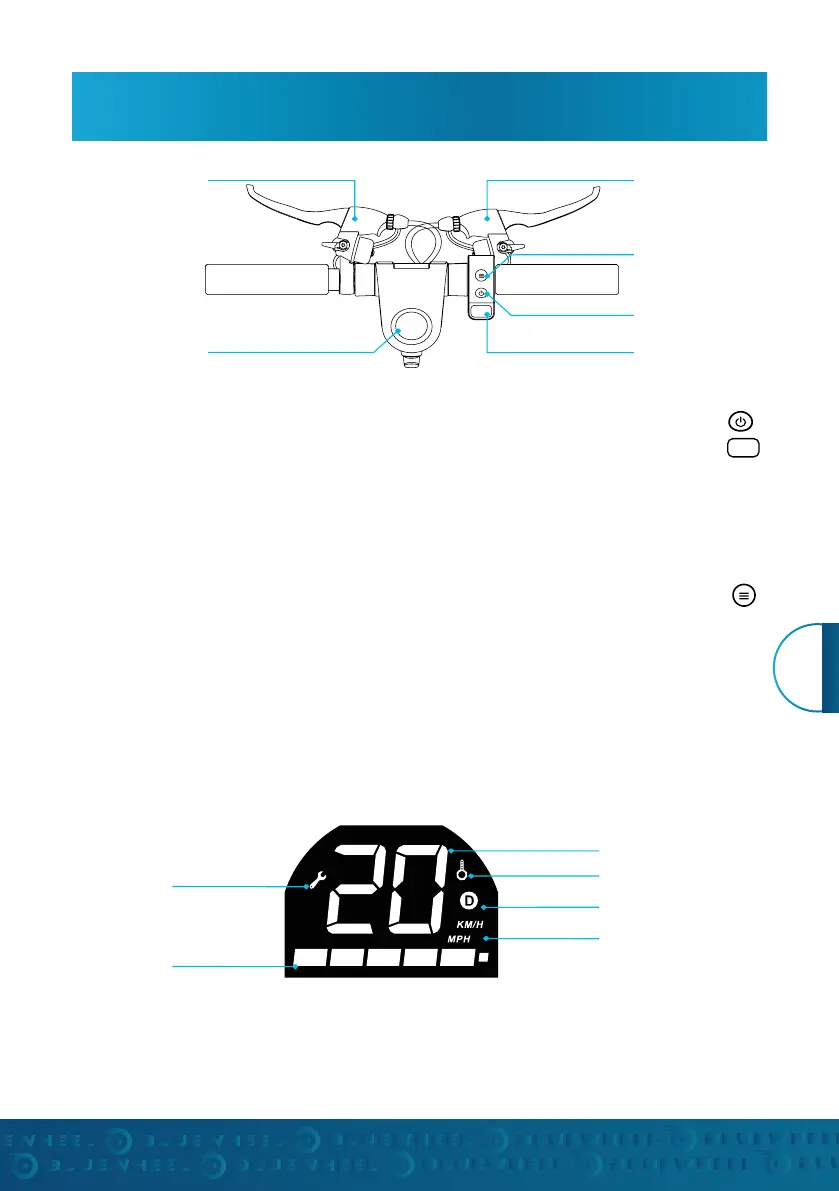
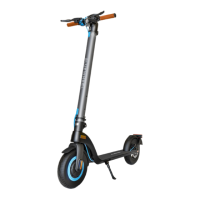
Operation Key Functions
1. POWER: Press and hold the power button to turn it on.
2. ACCELERATION: Press the acceleration button on the right side of the handlebar.
3. BRAKES: Pull the left and / or right hand brake. You can support the braking process by pressing
lightly on the rear pedal brake.
4. RIGHT HAND BRAKE: Controls the engine brake on the front wheel.
5. LEFT HAND BRAKE: controls the disc brake on the rear wheel.
6. FOOT BRAKE FENDER: Brakes the rear wheel
7. FRONT LIGHTING: Press the function key briefly to switch the front lighting on / off. The taillights are
always on.
Function key
Right handbrake
Power button
LCD display
Error message
Battery status
Le handbrake
Acceleration button
Speed
Multifunction
Gear
Unit


 To Next Page