38
BATTERY CHARGING
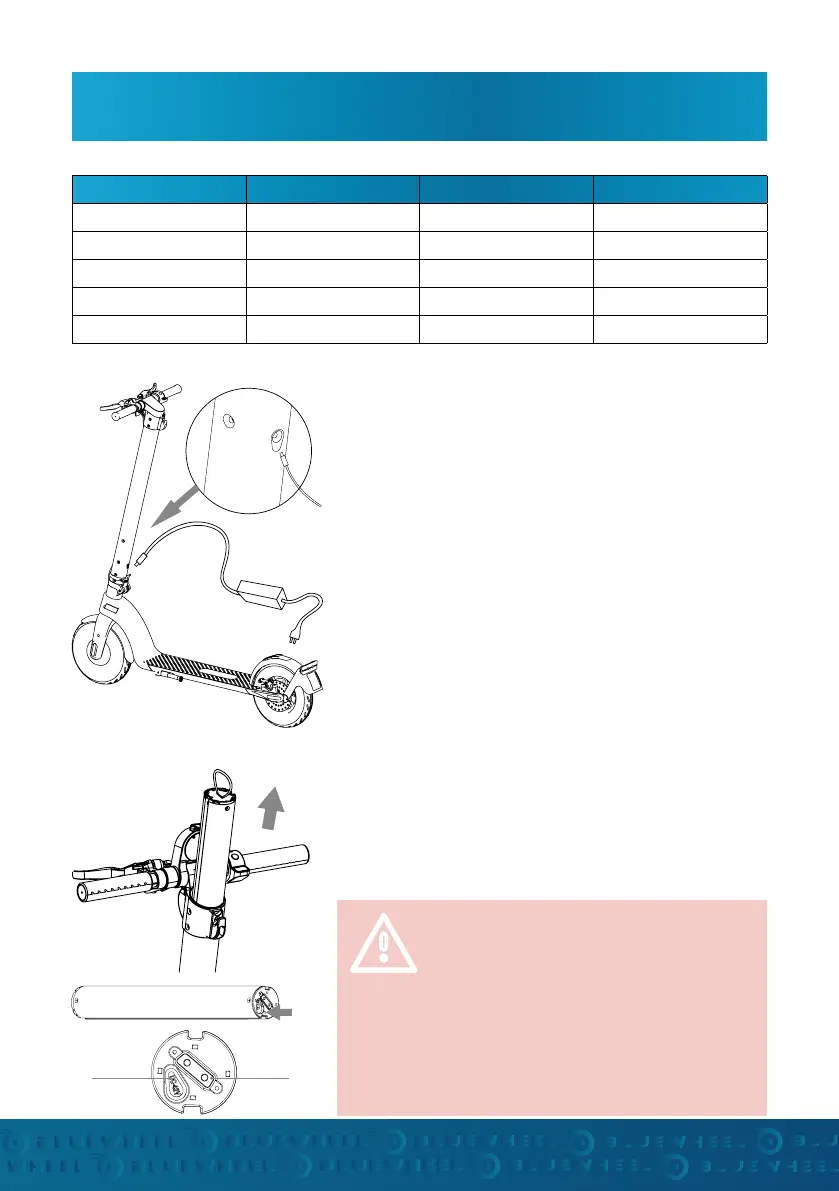
• Open the cover of the charging port on the handlebar
and make sure it is clean and dry.
• Connect the charger to the battery and the power cord
to the power connection (100V-240V; 50 / 60Hz). Make
sure the charging indicator is lit.
• The charging process is successfully underway when
the indicator lights up alternately. If this is not the
case, check the plug connections.
• When the indicator changes color, it indicates that the
battery is 99% charged. Then stop charging. Overchar-
ging will aect the life of the battery.
• Remove the battery from the handlebar.
• Open the silicone charging connector on the bottom
of the battery
• Charge the battery with the charger and pay attention
to the indicator.
CHARGING THE MOBILE BATTERY
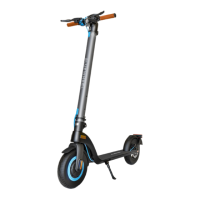
CHARGING THE E-SCOOTER
BATTERY CHARACTERISTICS
Battery
interface
Charging
port
Make sure that you close the charging
connections with the dust protection cap
again aer the charging process to prevent
a possible short circuit through conductive
parts (metal, liquid).
Do not drive if the battery charge is below
10%. Always fully charge the battery.
Properties Characteristic value Properties Characteristic value
Type Li-ion battery Working temperature 0°C - 35°C
Loading time 3-4 h Charging temperature 0°C - 35°C
Tension 36V Storage temperature -10°C - 40°C
Max. charging voltage 42V Storage time 3 months (fully charged)
Max. charging current 2 A Nominal capacity 6,4 Ah


 To Next Page