EasyManua.ls Logo

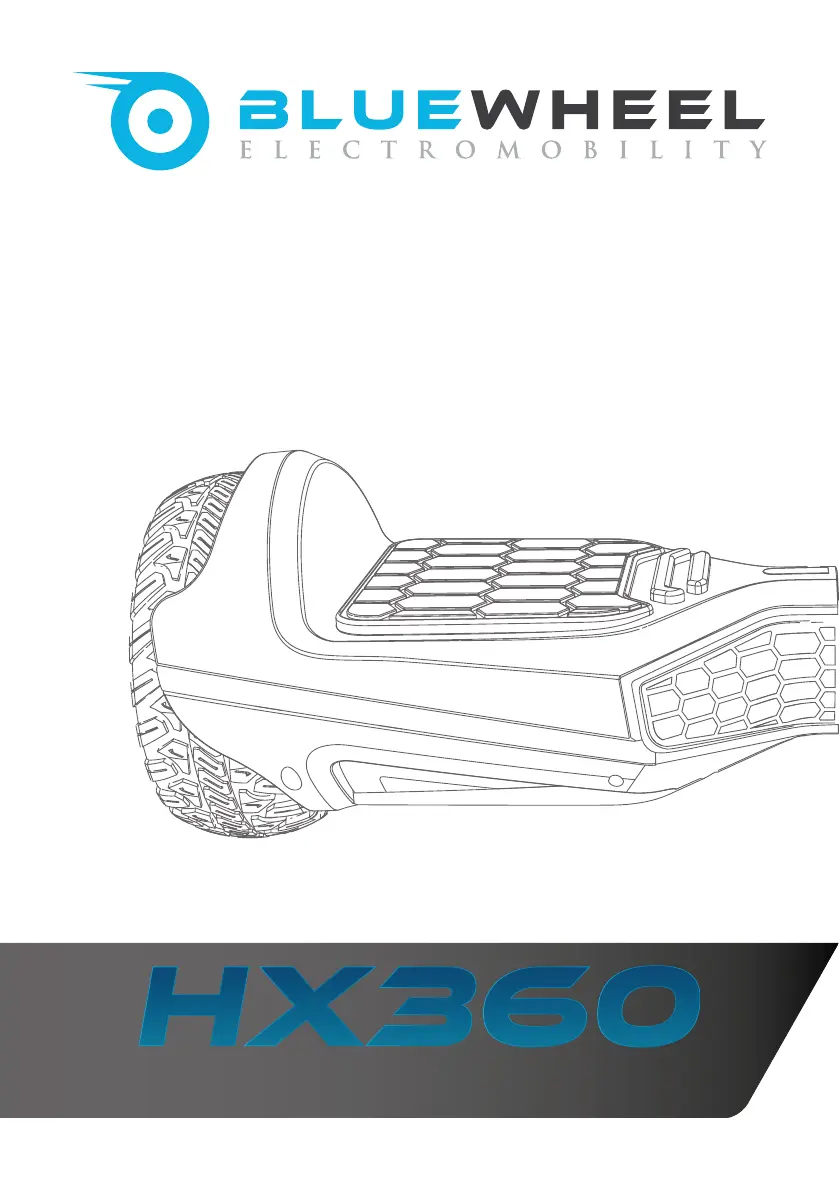
Bluewheel HX360 - User Manual

Bluewheel HX360
136 pages
Go to English
Print Icon
To Next Page IconTo Next Page
Loading...
Self Balancing Scooter

Table of Contents

Other manuals for Bluewheel HX360

Questions and Answers

  • C
    courtney08Aug 5, 2025
    Why is my Bluewheel Scooter not responding?
    • J
      Justin CherryAug 5, 2025
      Your Bluewheel Scooter might not be responding due to the following reasons: * The device is not activated. Please activate it using the on/off button. * The battery is not fully charged. Please charge the battery. * A violent shock has shaken the unit. Please deactivate the device and then reactivate it.
  • T
    Troy GarnerAug 12, 2025
    How to fix a Bluewheel Scooter that is not responding?
    • C
      Cindy HarrisAug 12, 2025
      If your Bluewheel Scooter is not responding, here are a few things you can check: * Ensure the device is activated using the on/off button. * Verify the battery is fully charged. If not, please charge it. * If the unit experienced a violent shock (like a rollover) and the LED warning light is red, deactivate the device and then reactivate it.
  • J
    Jacob PittsAug 20, 2025
    What to do if my Bluewheel Scooter LED warning light is active?
    • B
      Brian WalkerAug 20, 2025
      If the LED warning light is active and a signal is heard, it could be due to several reasons: * You may be traveling at too high a speed. Reduce your speed and carefully get off the scooter. * You might be on a steep gradient. Reduce your speed and carefully dismount. * The wheels might be locked. Reduce your speed, carefully dismount, and clean the wheels from any obstructions like foliage or pebbles until they can turn freely again. * The battery may be too low. Reduce your speed, carefully dismount, and immediately fully charge the battery.
  • M
    Michelle ValenciaAug 27, 2025
    What to do if the LED warning light is active and a signal is heard on my Bluewheel Scooter?
    • D
      Danielle BoyerAug 27, 2025
      If the LED warning light is active and a signal is heard, it could be due to several reasons: * You are travelling at too high a speed. Reduce your speed and get off carefully and calmly. * You are in a steep gradient. Reduce your speed, then calmly and carefully get off the board. * The wheels are locked. Reduce your speed, get off the device calmly and carefully. Clean the wheels from any obstructions like foliage, pebbles, or loose chippings until they turn freely again. * The battery is too low. Reduce your speed, get off the Hoverboard calmly and carefully. Charge the battery immediately and fully.

Summary

General Information and Technical Data

Technical Data of the Device

Detailed technical specifications and parameters of the Bluewheel HX360 hoverboard.

Exploded Drawing and Spare Parts List

Important Safety Instructions

Exact Use of the Device

Guidelines on how and where the hoverboard should be operated to ensure user safety.

General Safety Instructions

Operating the Device

First Use of the Hoverboard

Instructions for the initial setup and unboxing of the hoverboard for first-time users.

Charging the Battery

Guidance on how to properly charge the hoverboard's battery for optimal performance and longevity.

Device Components Overview

Hoverboard Charging Status

Charging Status on the Hoverboard

Explanation of the indicator lights and their meaning regarding the hoverboard's battery charge level.

Indicator Lights and Security Alarm

Warning Indicator (Red)

Details about the red warning light, its causes, and what it signifies during operation.

Balance Indicator (Green)

Explanation of the green balance indicator and its role in indicating the hoverboard's equilibrium mode.

Battery Status (Green)

Information on the green battery status light and when the device automatically switches off due to low battery.

Security Alarm

Description of the security alarm system, its triggers, and how it alerts the user to system irregularities.

Application (App) and Bluetooth Music

Notes on Using the App

Important considerations and recommendations for safely installing and using the companion mobile application.

Bluetooth Music Feature

Instructions on how to connect the hoverboard via Bluetooth to play music through its built-in speakers.

Reset Bluetooth Memory

Steps to reset the hoverboard's Bluetooth memory for troubleshooting or reconnecting devices.

Driving the Bluewheel Hoverboard

Cleaning, Maintenance, and Service

Cleaning the Hoverboard

Procedures and precautions for cleaning the hoverboard and its accessories to keep them in good condition.

Storage and Transport

Guidelines for properly storing the hoverboard and safely transporting it, including packaging recommendations.

Hoverboard Service Information

Information regarding service requirements, repairs, and when to contact the dealer for assistance.

Troubleshooting Common Issues

Recycling and Disposal Guidelines

Battery Disposal (BattG)

Information regarding the proper disposal of batteries and cells according to the Battery Act regulations.

Electrical Equipment Disposal (ElektroG)

Guidelines for the correct disposal of electrical and electronic equipment as per the ElektroG, including collection points.

Declaration of Conformity

Bluewheel HX360 Specifications

General IconGeneral
BrandBluewheel
ModelHX360
CategoryScooter
LanguageEnglish

Related product manuals