44
TROUBLESHOOTING
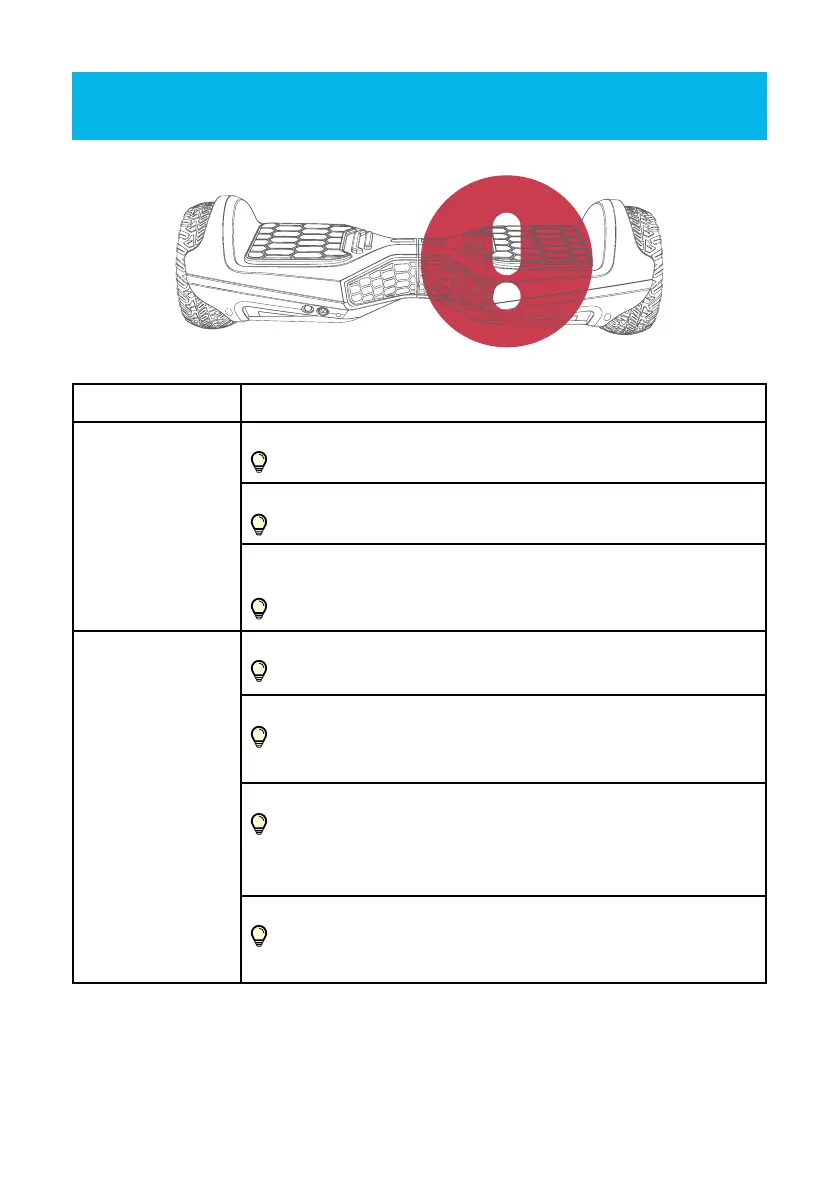
Problem Cause and correction of the defects
Device is not
responding.
Hoverboard is not activated.
Please activate our device with the on / o button.
Battery is not fully charged.
Please charge the battery.
A violent shock (caused by a rollover, for example) has shaken
our unit. Since then the LED warning light is red.
Please deactivate our device and then reactivate.
LED warning light
(7) is active and a
signal is heard.
You are travelling at too high a speed.
Reduce the speed. Please get o carefully and calmly.
You are in a steep gradient right now.
Please reduce your speed. Then please calmly and carefully
get o the board.
Wheels are locked.
Please reduce your speed. Get calmly and carefully o the
device. Please clean the wheels from foliage, pebbles, loose
chippings, etc. until they begin to turn again.
Too low battery .
Reduce your speed. Get o the Hoverboard calmly and
carefully. Please charge the battery immediately and fully.


 To Next Page