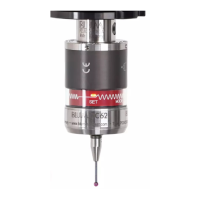
Mounting and commissioning
16 by Blum-Novotest 2012
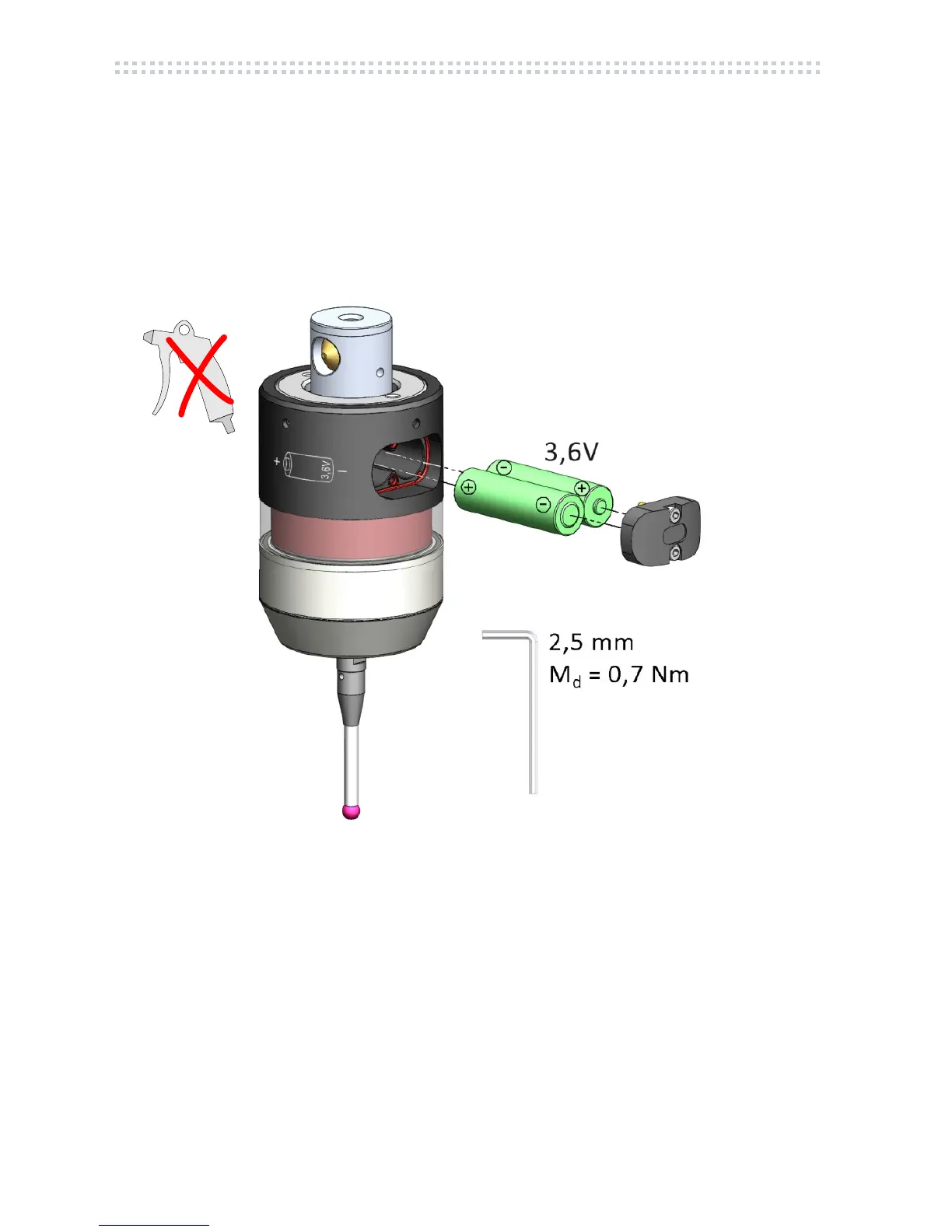
1. Clean probe carefully and remove battery cover
2. Remove batteries
3. Clean and dry battery case carefully with absorptive paper
4. Insert new batteries – take care of polarity!
5. Install battery cover straight (check O-Ring and grease if necessary)
6. Automatic display of the basic adjustments (chap. 3.6
)
Fig. 3.1



 To Next Page
 Loading...