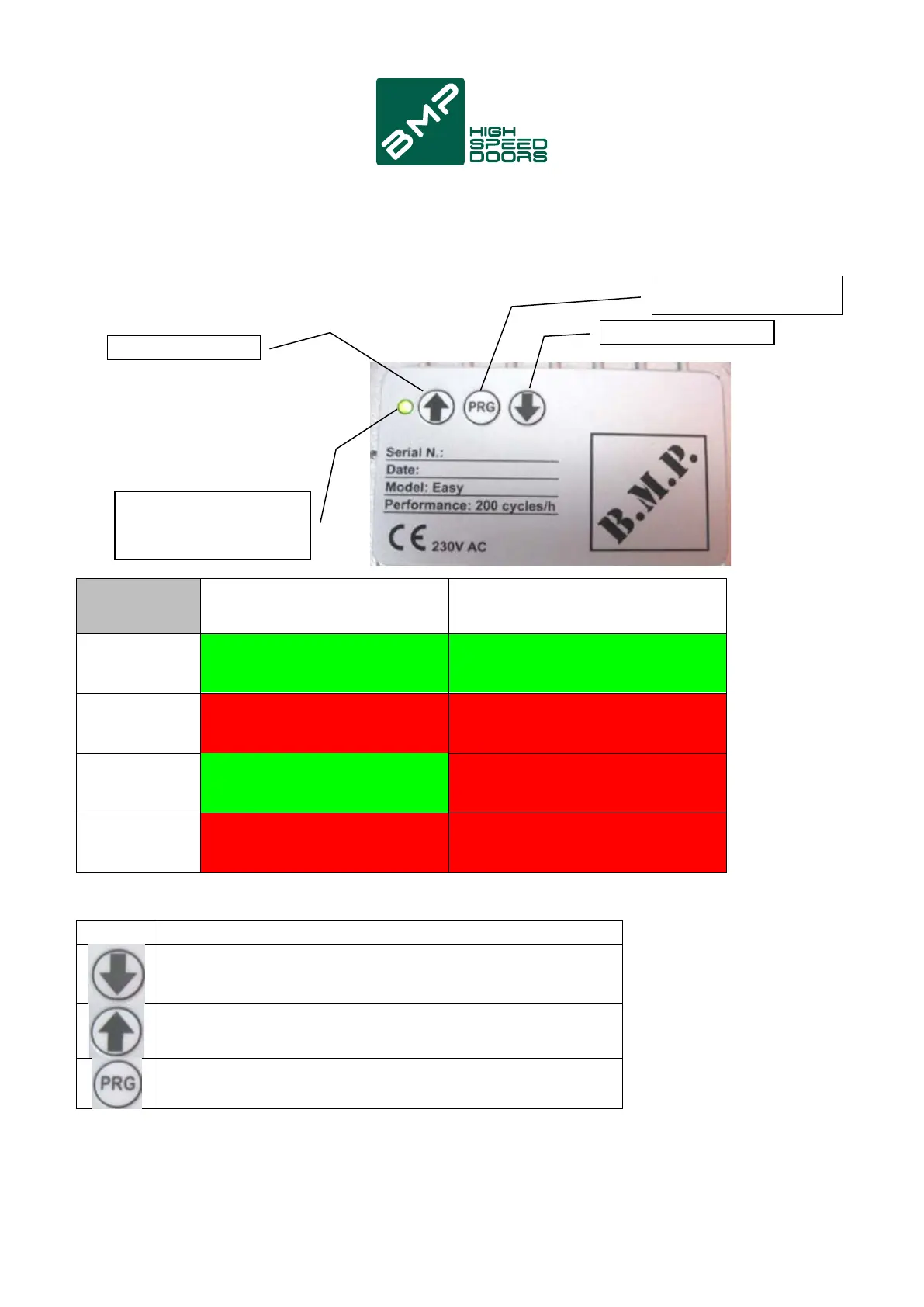
7. Led/buttons on front of box
BUTTON OPEN P1
STATUS
DOOR
SIGNALLING
LED IN OPERATION
SIGNALLING
LED IN LEARNING
GREEN FIXED
FUNCTION
CLOSE command -Human present used in the phase of
installation for door positioning
OPEN command -Human present used in the phase of
installation for door positioning
Holding down the key for 5 sec, enters the
learning mode (see diagram below)
GREEN FIXED
BLINKING RED
BLINKING
RED/VERDE
BLINKING
RED/VERDE
BLINKING GREEN BLINKING RED
BLINKING RED
BLINKING
RED/VERDE
BLINKING
RED/VERDE
CLOSED
(on limit switch)
OPENING
OPEN
(on limit switch)
CLOSING
BUTTON CLOSE P3
BUTTON
PROGRAMMING P2
LDS LED
STATUS INDICATION
DOOR/ERRORS
8



 To Next Page