Navigation Driving tips
117
Reference At a glanceControlsCommunications EntertainmentMobility
4. Turn the controller until "Language / Units"
is selected and press the controller.
5. If necessary, move the highlight marker to
the uppermost field. Turn the controller
until "Languages" is selected and press the
controller.
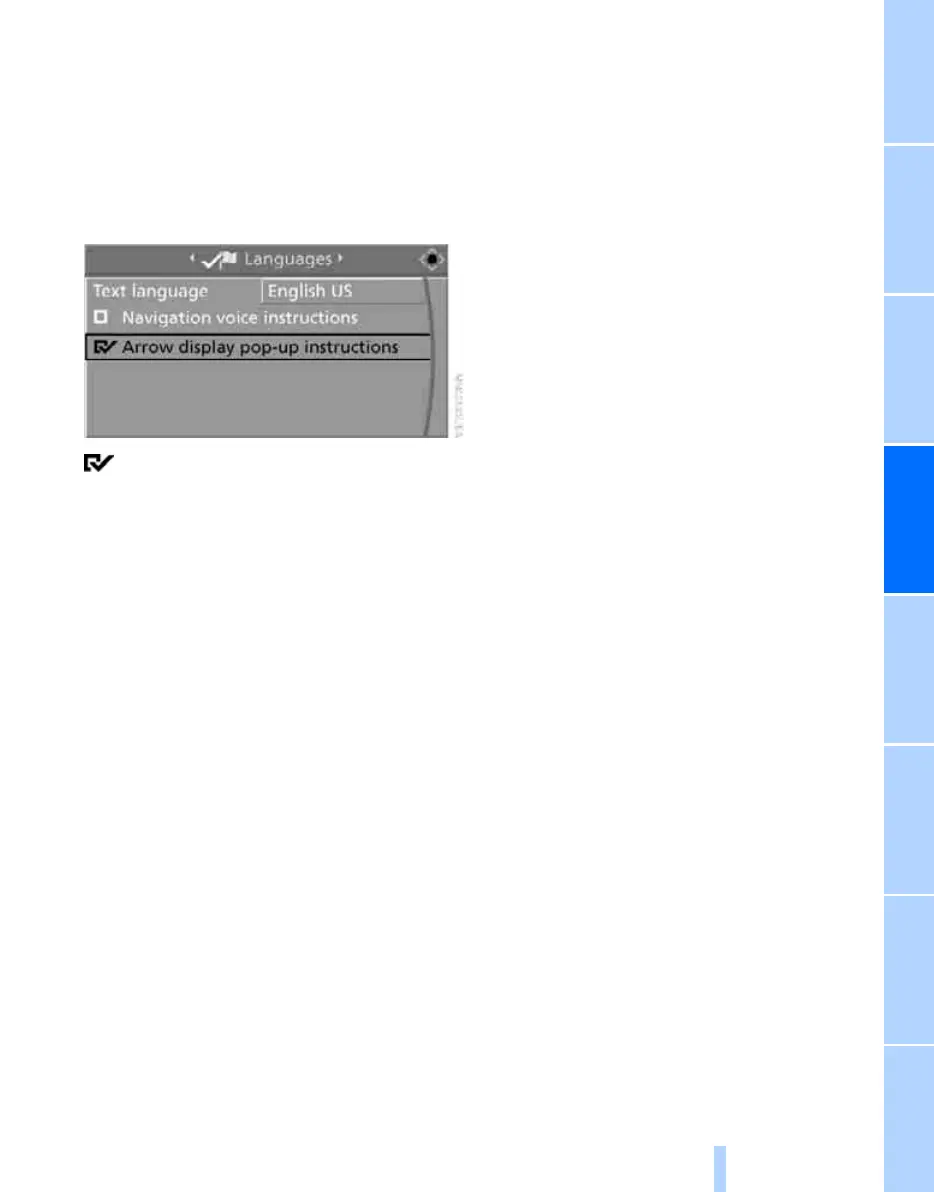
6. Select "Arrow display pop-up instructions"
and press the controller.
The arrow view is displayed in the assis-
tance window.
Online Edition for Part no. 01 41 0 014 699 - © 10/07 BMW AG



 To Next Page