At a glance
17
Reference ControlsDriving tipsCommunications NavigationEntertainmentMobility
Menu overview
Communication
> Telephone
*
> BMW Assist
*
or TeleService
*
Navigation
> Navigation system
*
> Onboard information, e.g. for displaying the
average fuel consumption
Entertainment
> Radio
> CD player and CD changer
*
> AUX-In port, USB-audio interface
*
for
external audio device
Climate
> Vent settings
> Automatic programs
> Parked car operation
menu
> Switching off Control Display
> Tone and display settings
> M settings
> Settings for your vehicle, e.g. for the central
locking system
> Display of service requirements and dates
for statutory inspections
> Settings for telephone
Operating principle
As of radio readiness, the following message
appears on the Control Display:
To hide the message:
Press the controller.
The start menu is displayed.
The message is automatically hidden after
approx. 10 seconds.
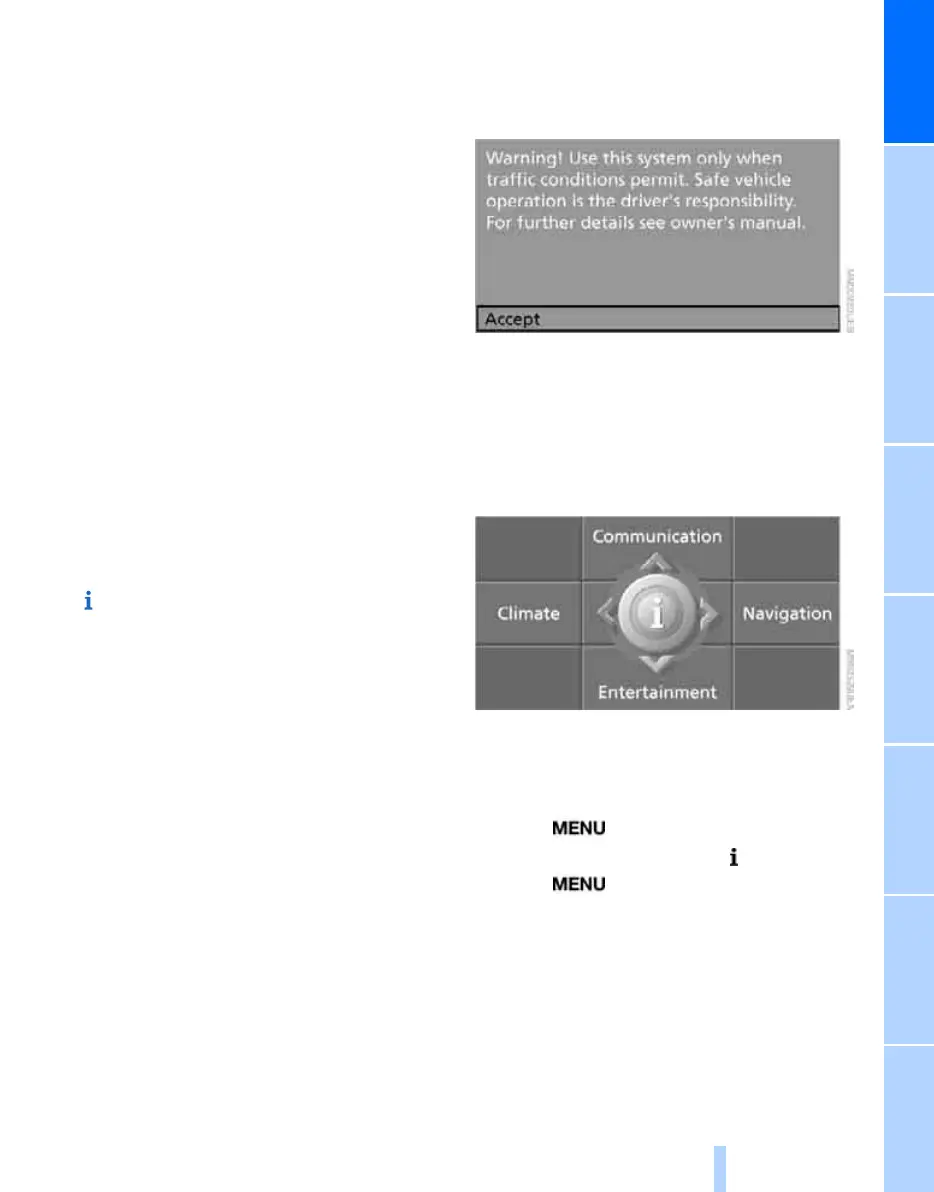
Start menu
All iDrive functions can be called up via five
menu items.
Opening start menu
Press the button.
To open the start menu from the menu:
Press the button twice.
Online Edition for Part no. 01 41 0 014 699 - © 10/07 BMW AG



 To Next Page