iDrive
22
If the car is equipped with two drives and a
CD with compressed audio files is played,
the current track is stored.<
Executing a function
... Press the key.
The function is executed immediately. This
means that, for example, if a phone number is
selected, the connection is established, or if a
navigation destination is called up, destination
guidance is started.
Displaying memory key assignments
You can have the assignment of a memory key
displayed by touching the key with your finger.
Please do not wear gloves when doing so.
Touching the keys with an object such as a pen
will not work.
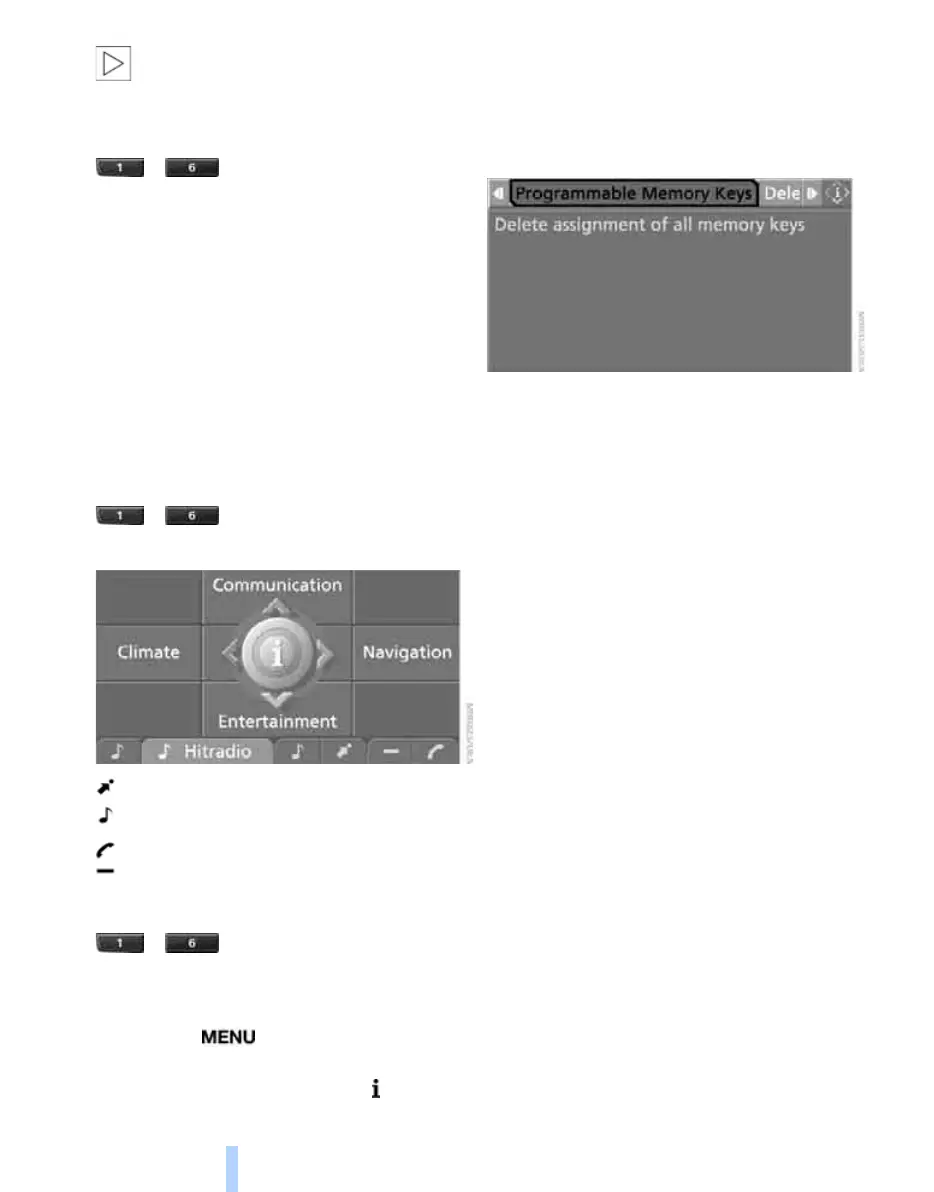
Displaying brief information
... Touch the key.
The key assignment is displayed.
Navigation destination
Entertainment source
Telephone, phone number
Not assigned
Displaying detailed information
... Touch the key for a longer
period.
Clearing key assignments
1. Press the button.
This opens the start menu.
2. Press the controller to open the menu.
3. Select "Settings" and press the controller.
4. Select "Vehicle / Tires" and press the con-
troller.
5. Select "Programmable Memory Keys" and
press the controller.
6. Select "Delete assignment of all memory
keys" and press the controller.
7. Select "Yes" and press the controller.
Online Edition for Part no. 01 41 0 014 699 - © 10/07 BMW AG



 To Next Page