At a glance
25
Reference ControlsDriving tipsCommunications NavigationEntertainmentMobility
5. Press the button on the steering wheel.
Notes
For information on voice control of the
telephone, refer also to the separate
Owner's Manual.<
For voice commands, bear in mind the follow-
ing:
> Pronounce the commands and digits
smoothly and at normal volume, avoiding
excessive emphases and pauses. The same
applies to spelling when entering a destina-
tion for navigation.
> Always speak the commands in the lan-
guage of the voice command system.
> When selecting a radio station, use the
standard pronunciation of the station name.
> For entries in the voice-activated phone
book, only use names in the language of the
voice command system and no abbrevia-
tions.
> Keep the doors, windows and glass roof
closed to prevent interference from outside
noise.
> Avoid ambient noise in the vehicle while
speaking.
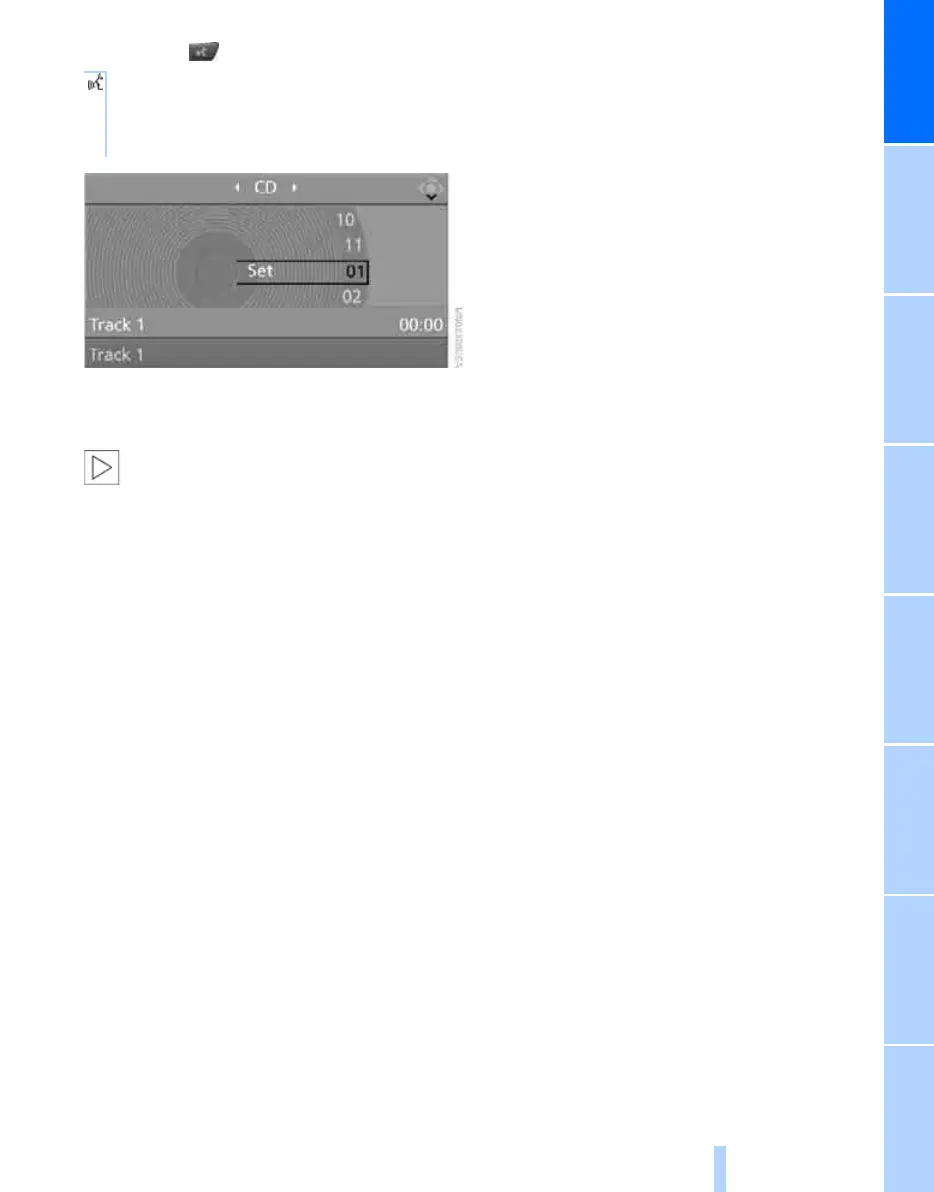
6. Select a track, e.g.:
{Track 1}
The system says:
{{Track 1}}
Online Edition for Part no. 01 41 0 014 699 - © 10/07 BMW AG



 To Next Page