Deleting messages
Messages from the Concierge service and
My Info can be deleted.
Delete a message:
1. "Office"
2. "Messages"
3. Select the desired message.
4. Open "Options".
5. "Delete message"
Delete all messages:
1. "Office"
2. "Messages"
3. Open "Options".
4. "Delete all messages" or "Delete service
messages"
Text messages
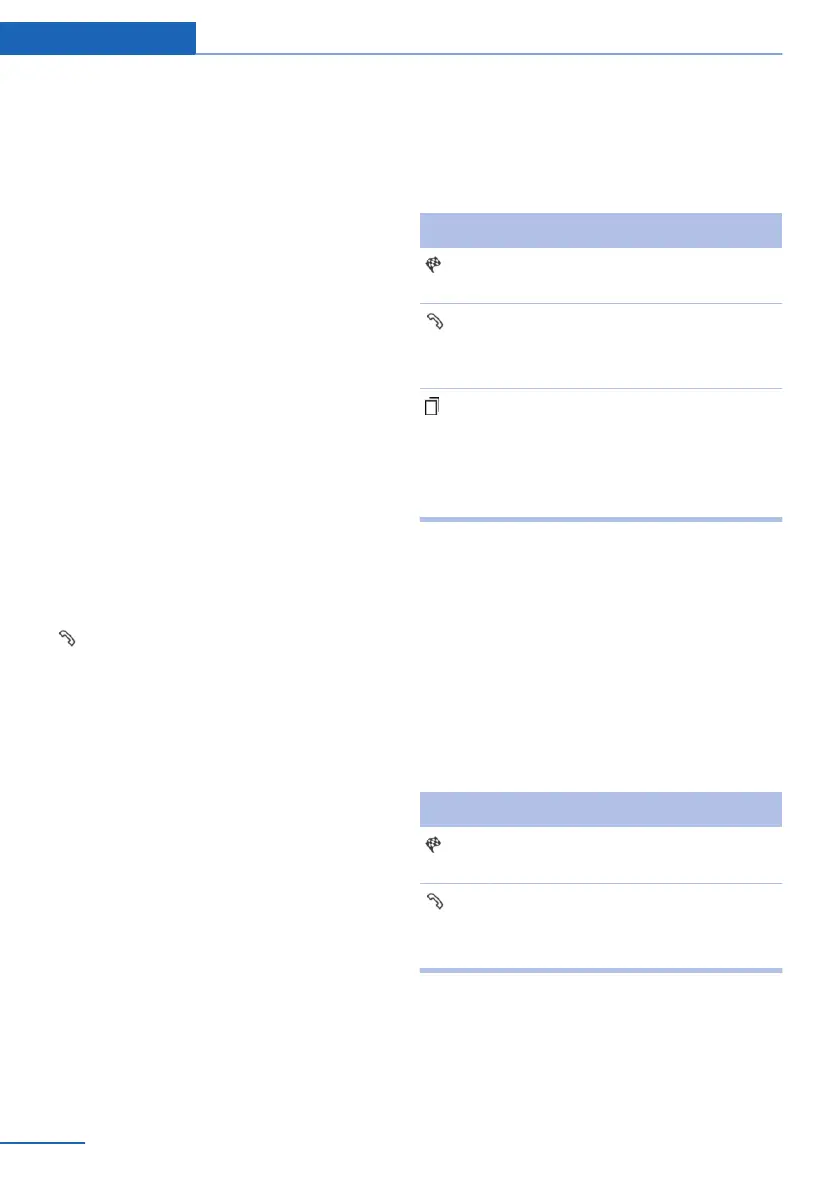
Calling the sender of a text message
1.
Select the desired message.
2. Select the symbol.
Saving the sender in the contacts
1.
Highlight the desired message.
2. Open "Options".
3. "Store as new contact" or "Add to existing
contact"
Using contact data
Contact data from appointments, tasks, text
messages, e-mails, and notes can be saved or
selected, refer to page 211.
Reading the text message out loud
Read the text message out loud, refer to
page 211.
My Info
Selecting additional functions
Additional functions are available when a mes‐
sage is selected.
Symbol Function
"Start guidance" or "Add as another
destination"
"Call"
If the message contains a number,
the connection is established.
"Select phone number"
If the message contains more than
one number, select the desired num‐
ber from the list. The connection is
established.
Message from the Concierge service
Storing an address
1.
Select the desired message.
2. Open "Options".
3. "Store contact in vehicle"
Selecting additional functions
Additional functions are available when a mes‐
sage is selected.
Symbol Function
"Start guidance" or "Add as another
destination"
"Call"
If the message contains a number,
the connection is established.
Seite 208
Communication Office
208
Online Edition for Part no. 01 40 2 914 595 - VI/12



 To Next Page