Switching between letters and
numbers
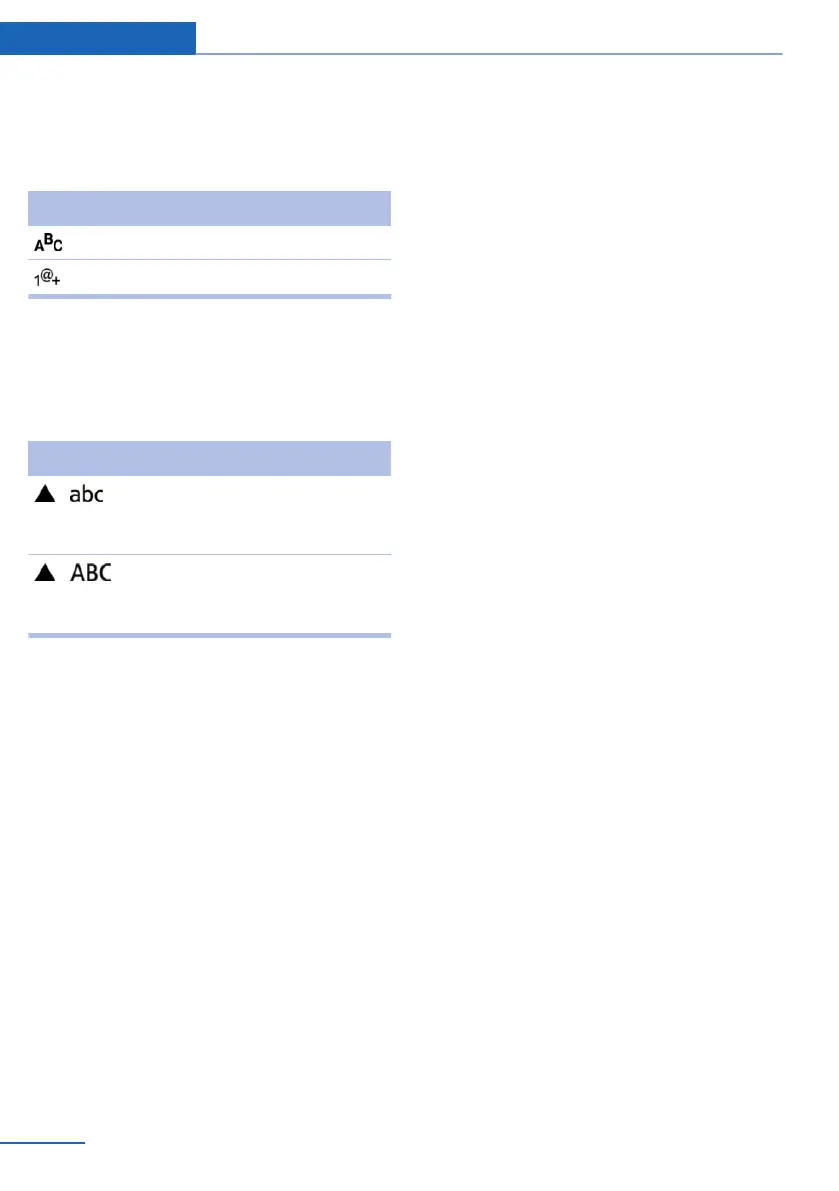
Depending on the menu, you can switch be‐
tween entering letters and numbers.
Symbol Function
Enter the letters.
Enter the numbers.
Switching between upper and lower
case letters
Depending on the menu, you can switch be‐
tween entering uppercase and lowercase let‐
ters.
Symbol Function
Move the controller forward:
switch from upper to lower case
letters.
Move the controller forward:
switch from lower to upper case
letters.
Entry comparison
Entry of names and addresses: the selection is
narrowed down every time a letter is entered and
letters may be added automatically.
The entries are continuously compared to the
data stored in the vehicle.
▷ Only those letters are offered during the en‐
try for which data is available.
▷ Destination search: town/city names can be
entered using the spelling of language avail‐
able on the Control Display.
Seite 24
At a glance iDrive
24
Online Edition for Part no. 01 40 2 914 595 - VI/12



 To Next Page