Press the button on the steering wheel.
The indicator lamps are illuminated in the instru‐
ment cluster and the marker in the speedometer
is positioned at the current speed.
Cruise Control is active. The driven speed is
maintained and stored as the desired speed.
Dynamic Stability Control DSC is switched on, if
necessary.
Switching off
When switching off with the vehicle at a stand‐
still, depress the brake pedal at the same time.
Press the button on the steering wheel:
With steering and lane control assistant.
Without steering and lane control assis‐
tant.
The displays turn off. The stored desired speed
is deleted.
Interrupting manually
With the system active, press the button on the
steering wheel:
With steering and lane control assistant.
Without steering and lane control assis‐
tant.
If interrupting the system when the vehicle is at a
standstill, depress the brake pedal at the same
time.
Interrupting automatically
The system is interrupted automatically in the
following situations:
▷ If the driver brakes.
▷ If the selector lever is moved out of posi‐
tion D.
▷ If Dynamic Traction Control DTC is activated
or Dynamic Stability Control DSC deactiva‐
ted.
▷ If Dynamic Stability Control DSC intervenes.
▷ If the vehicle is stationary and the seat belt is
unfastened and the driver's door is opened.
▷ If the system has not detected any objects for
an extended period of time, for example on
roads with little traffic and without defined
boundaries.
▷ If the detection zone of the radar is disrupted,
for example due to contamination or heavy
rainfall.
▷ After an extended stationary period, if the ve‐
hicle was decelerated to a standstill by the
system.
Setting the speed
Maintaining and saving the speed
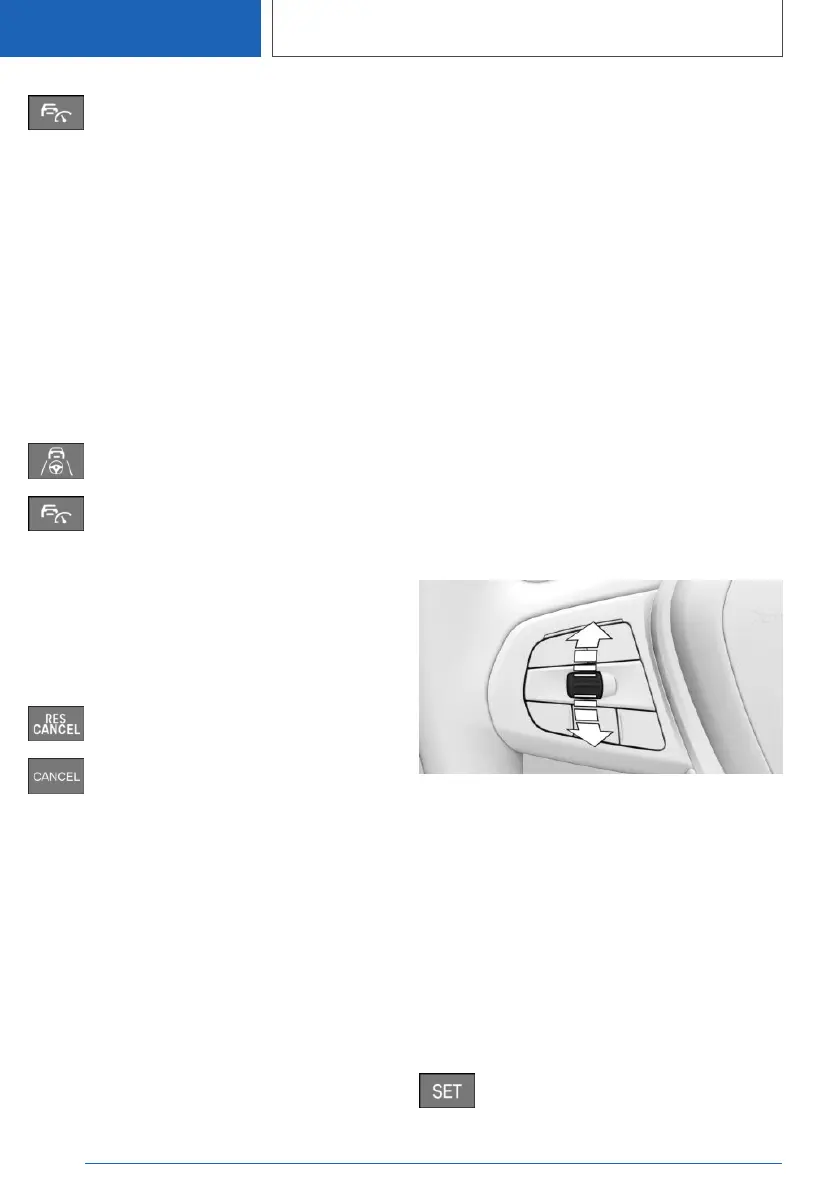
While the system is interrupted, press the rocker
switch up or down once. The system is activa‐
ted.
The current speed is maintained and stored as
the desired speed.
The stored speed is displayed on the speedom‐
eter.
Dynamic Stability Control DSC is switched on, if
necessary.
The speed can also be stored by pressing the
button.
Press the button.
Seite 258
CONTROLS
Driver Assistance Systems
258
Online Edition for Part no. 01405A1EA53 - X/20



 To Next Page