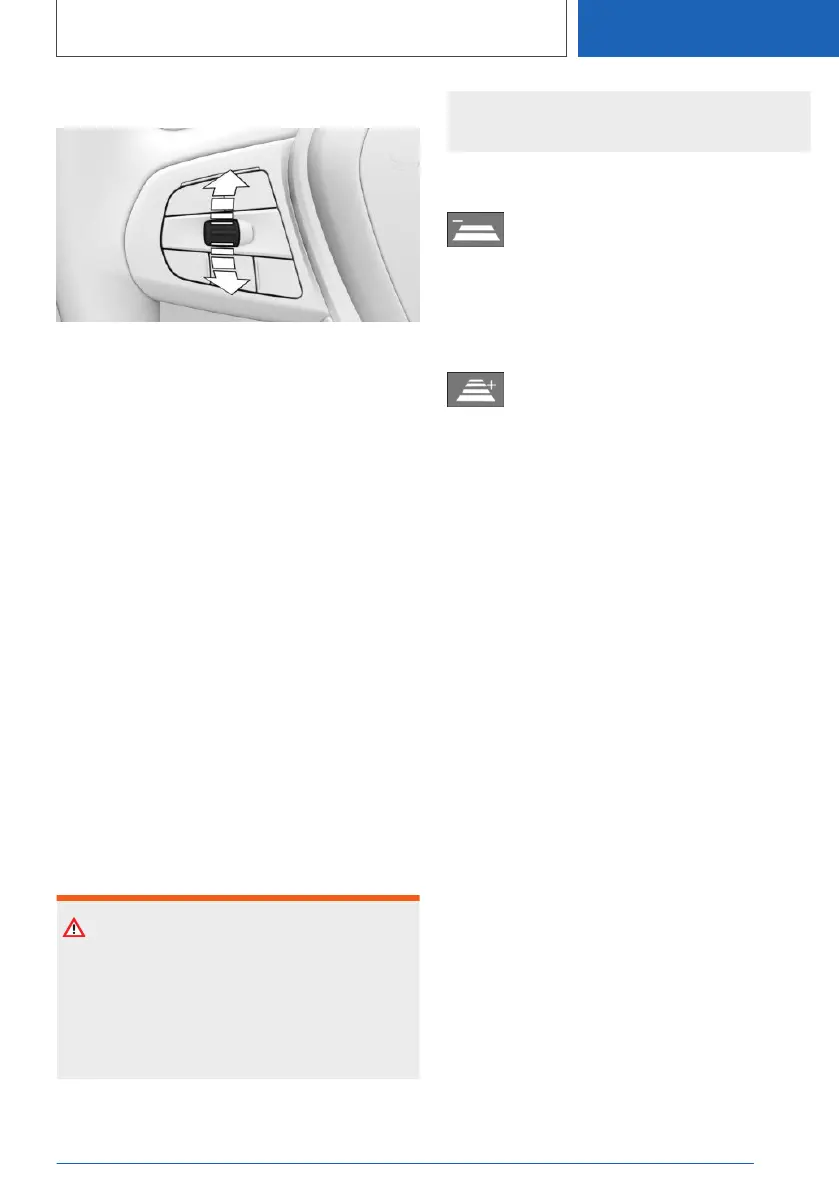
Changing the speed
Press the rocker switch repeatedly up or down
until the desired speed is set.
If the system is active, the displayed speed is
stored and the vehicle adjusts to the stored
speed when the road is clear.
▷ Each time the rocker switch is pressed to the
resistance point, the desired speed is in‐
creased or decreased by 1 km/h, 1 mph.
▷ Each time the rocker switch is pressed be‐
yond the resistance point, the desired speed
changes to the next multiple of 10 km/h on
the km/h display or the next multiple of 5 mph
on the mph display in the speedometer.
To repeat an action, hold the rocker switch in the
relevant position.
Adjusting the distance
General
The distance setting is saved for the current
driver profile.
Safety note
WARNING
The system does not relieve you of your per‐
sonal responsibility. System limitations may
mean that braking is performed too late. There
is a risk of accident or material damage. Pay
close attention to the traffic conditions at all
times. Adapt the distance to suit traffic and
weather conditions and comply with the pre‐
scribed safe distance by braking if necessary.
Reducing the distance
Press the button repeatedly until the
desired distance is set.
The selected distance is displayed in the instru‐
ment cluster.
Increasing the distance
Press the button repeatedly until the
desired distance is set.
The selected distance is displayed in the instru‐
ment cluster.
Adapting distance automatically
Depending on the equipment and national-mar‐
ket version: the system can be configured so that
the distance is adapted automatically within the
set distance setting according to the traffic situa‐
tion or environmental factors, for example poor
visibility.
The adaptation of the distance is indicated in the
instrument cluster display.
1.
"CAR"
2. "Settings"
3. "Driver assistance"
4. If necessary, "Driving"
5. "Speed Assistant"
6. "Adjust distance acc. to situation"
Resuming Cruise Control
If Cruise Control is interrupted, it can be resumed
by calling up the stored speed.
Before calling up the stored speed, make sure
that the difference between the current speed
and the stored speed is not too great. Otherwise,
there may be unintentional braking or accelera‐
tion.
Seite 259
Driver Assistance Systems
CONTROLS
259
Online Edition for Part no. 01405A1EA53 - X/20



 To Next Page