With the system interrupted, press the button on
the steering wheel:
With steering and lane control assistant.
Without steering and lane control assis‐
tant.
Cruise Control is resumed with the stored values.
In the following instances, the stored speed is
deleted and therefore cannot be called up again:
▷ When the system is switched off.
▷ When drive-ready state is switched off.
Switching between Cruise
Control with/without distance
control
Safety note
WARNING
The system does not respond to traffic travel‐
ling in front of you, but instead maintains the
stored speed. There is a risk of accident or ma‐
terial damage. Adjust the desired speed to the
traffic conditions and brake if necessary.
Switching the Cruise Control mode
Switch Cruise Control without distance control
on and off:
▷
Press and hold the button.
▷
Press and hold the button.
With steering and lane control assistant: switch
on distance control:
Press the button.
Without steering and lane control assistant:
switch on distance control:
▷
Press the button.
▷
Press the button.
A Check Control message is then displayed.
Displays in the instrument
cluster
General
Depending on the vehicle's equipment, the dis‐
plays in the instrument cluster may vary.
Display in the speedometer
▷ Green indicator: system is ac‐
tive, the indicator shows the
desired speed.
▷ Grey mark: system is interrup‐
ted; the mark shows the
stored speed.
▷ No marker: system is switched off.
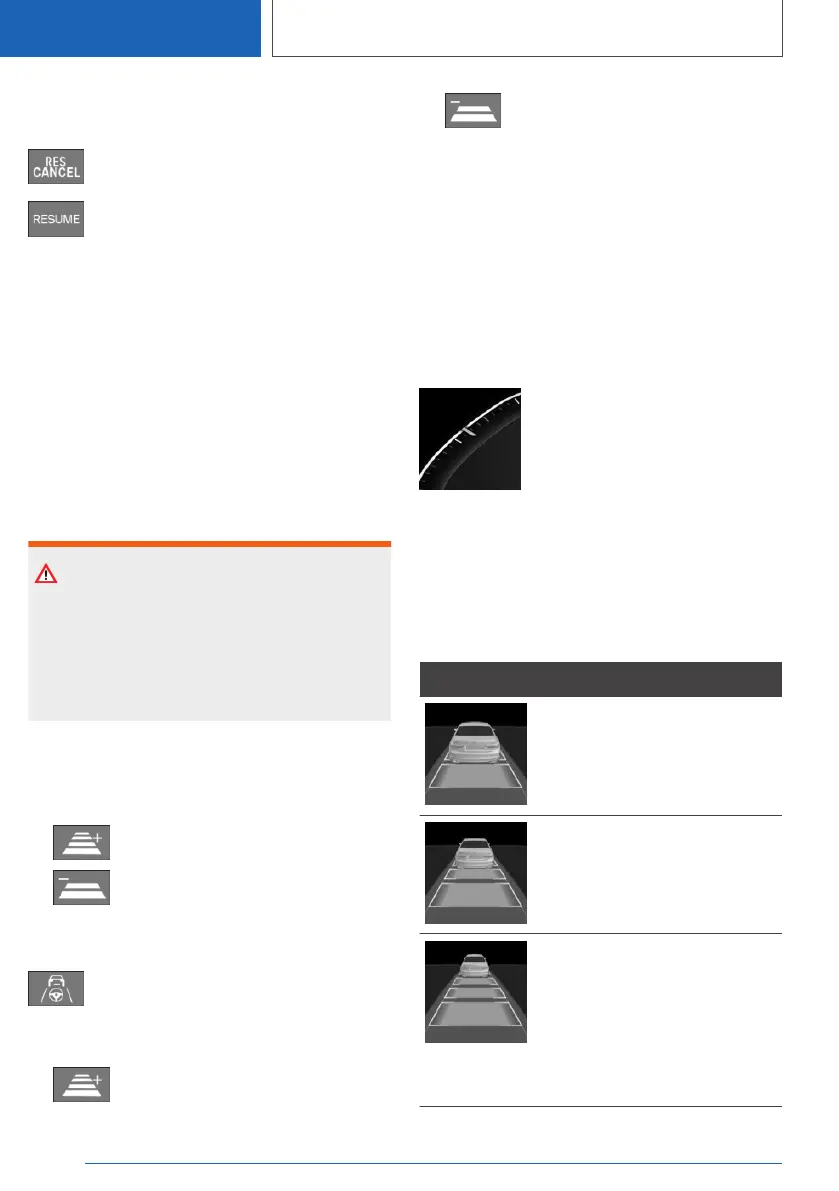
Vehicle distance
The selected distance to the vehicle ahead is
displayed.
Symbol Description
Distance 1.
Distance 2.
Distance 3.
Corresponds to approximately
half of the value of the speed‐
ometer reading, expressed in
metres. Selected when the sys‐
tem is switched on for the first
time.
Seite 260
CONTROLS
Driver Assistance Systems
260
Online Edition for Part no. 01405A1EA53 - X/20



 To Next Page