Controls
83
Reference At a glanceDriving tipsCommunications NavigationEntertainmentMobility
Settings on the
Control Display
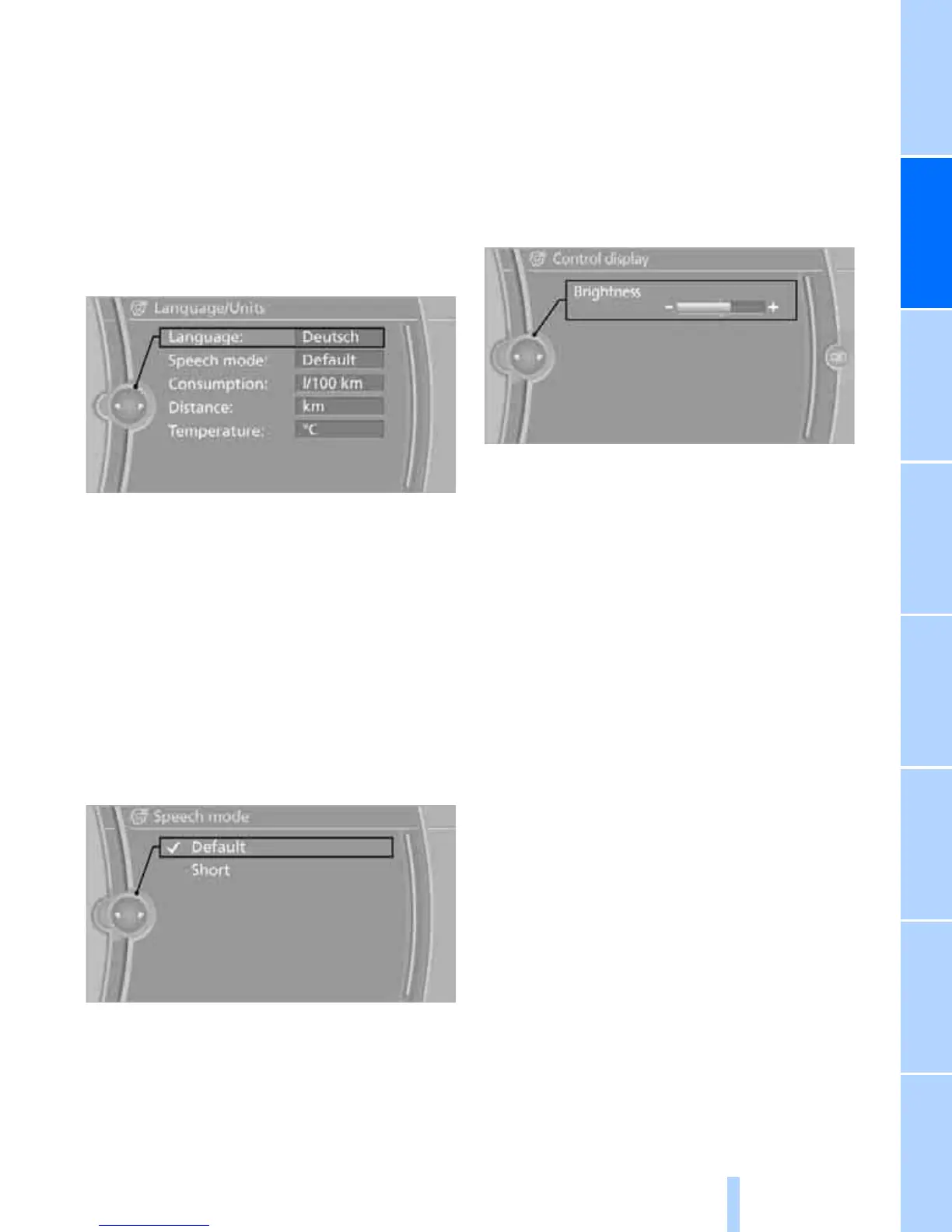
Language on the Control Display
Setting the language
1. "Settings"
2. "Language/Units"
3. "Language:"
4. Select the desired language.
The setting is stored for the remote control cur-
rently in use.
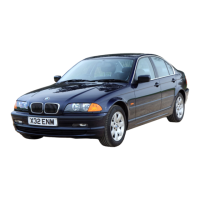
Setting the voice dialog
Switch between a standard dialog and a short
dialog.
1. "Settings"
2. "Language/Units"
3. "Speech mode:"
4. Select the desired dialog.
The setting is stored for the remote control
currently in use.
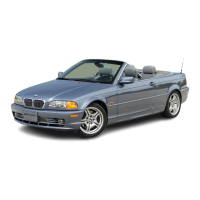
Brightness of the Control Display
The brightness is automatically adapted to the
ambient lighting conditions. However, you can
change the basic setting.
1. "Settings"
2. "Control display"
3. "Brightness"
4. Turn the controller until the desired setting
is selected.
5. Press the controller.
The setting is stored for the remote control
currently in use. In bright conditions, for exam-
ple, the brightness control may not be clearly
visible.



 To Next Page