Technology for driving comfort and safety
90
Status display
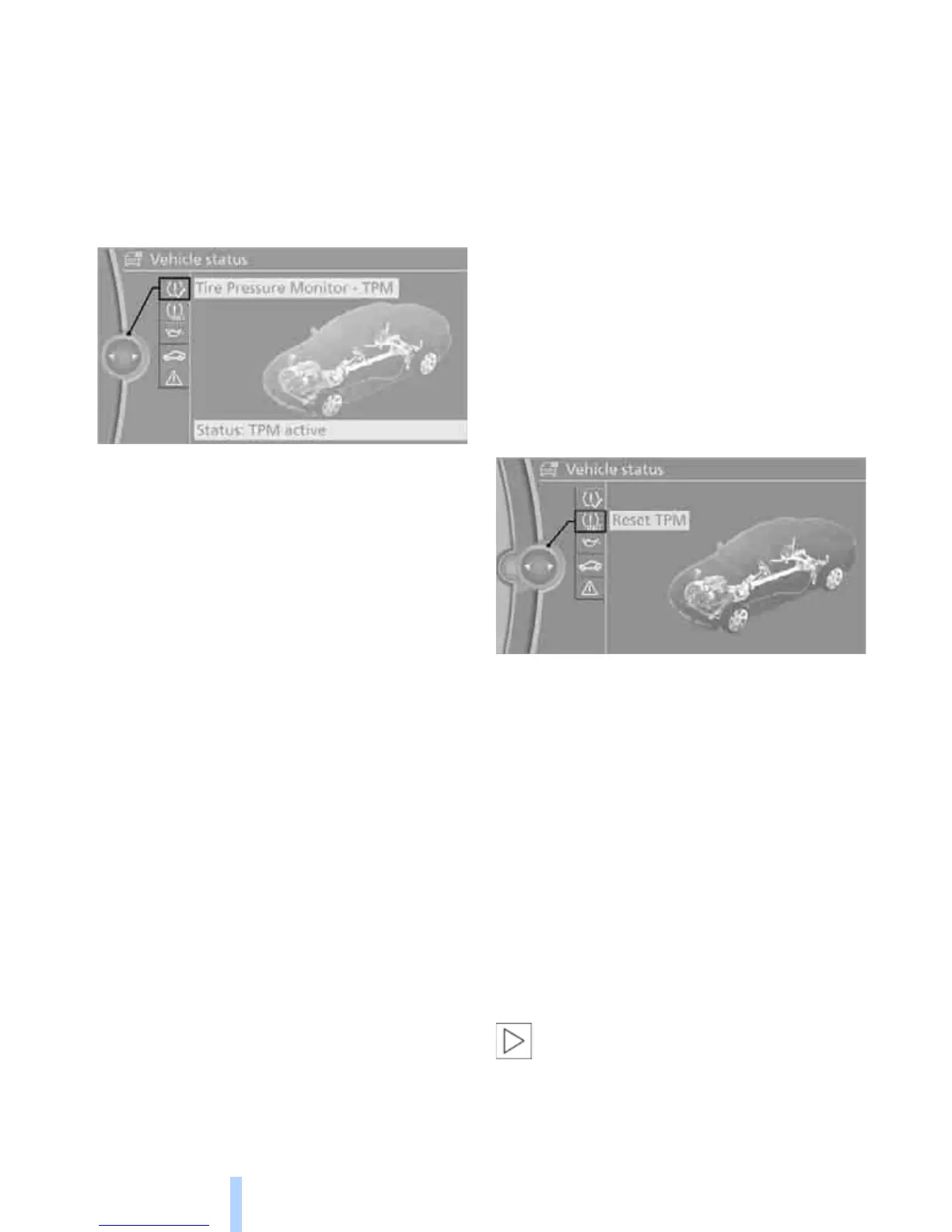
The current status of the TPM Tire Pressure
Monitor can be displayed on the Control Dis-
play, e.g. whether or not the TPM is active.
1. "Vehicle Info"
2. "Vehicle status"
3. "Tire Pressure Monitor - TPM"
The status is displayed.
Status indicator on the Control Display
The color of the tires represents the status of
the tires and the system.
A change in the inflation pressure during driving
is taken into account.
A correction is only needed if TPM indicates it.
Green
The inflation pressure corresponds to the
desired state.
"TPM active" appears on the Control Display.
One wheel yellow
There is a flat tire or substantial loss of tire pres-
sure in the indicated tire.
All wheels yellow
> There is a flat tire or substantial loss of tire
pressure in several tires.
> The system was not reset after a wheel
change and will thus issue warnings at the
last initialized inflation pressures.
Gray
The system cannot detect a puncture.
The reasons for this are as follows:
> TPM is being reset.
> Interference from systems or devices that
use the same radio frequency.
> Malfunction.
Resetting the system
Each time a tire inflation pressure has been cor-
rected or a wheel or tire has been changed,
reset the system.
1. "Vehicle Info"
2. "Vehicle status"
3. "Reset TPM"
4. Start the engine – do not drive away.
5. Start the initialization using "Reset TPM".
6. Start driving.
The tires are shown in gray and "Resetting
TPM..." is displayed.
After driving a few minutes, the set inflation
pressures in the tires are accepted as the target
values to be monitored. The resetting is com-
pleted automatically as you drive. On the Con-
trol Display, the tires are shown in green and
"Status: TPM active" is displayed again.
You can stop driving at any time. The resetting
continues automatically when you resume driv-
ing.
If a flat tire is detected during the reset-
ting process, all tires are displayed in
yellow in the Control Display. The message
"Low tire!" is shown.<



 To Next Page