Picture 1
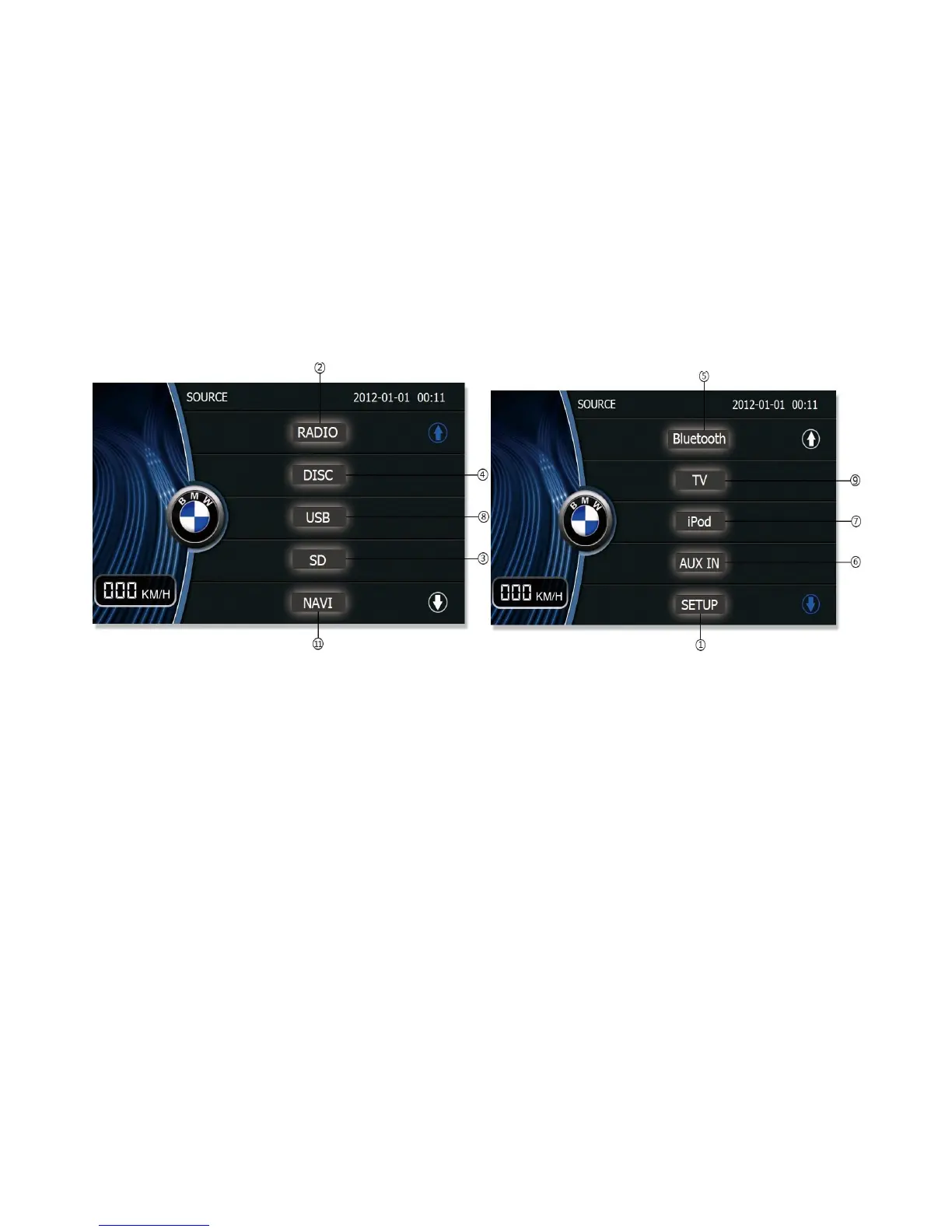
Brief introduction of main interface:
Note: Disc, SD, IPOD, and Camera icons are grey when there is no signal source. It dose not work when yo click any of the icons.
2. Radio:
In Radio mode, you can change the parameter of the options, such as RDS, by the touch screen or remote control.
Please refer to the Radio section in system setup.



 To Next Page