NavigationEntertainment Driving tips
149
Reference At a glanceControlsCommunicationsMobility
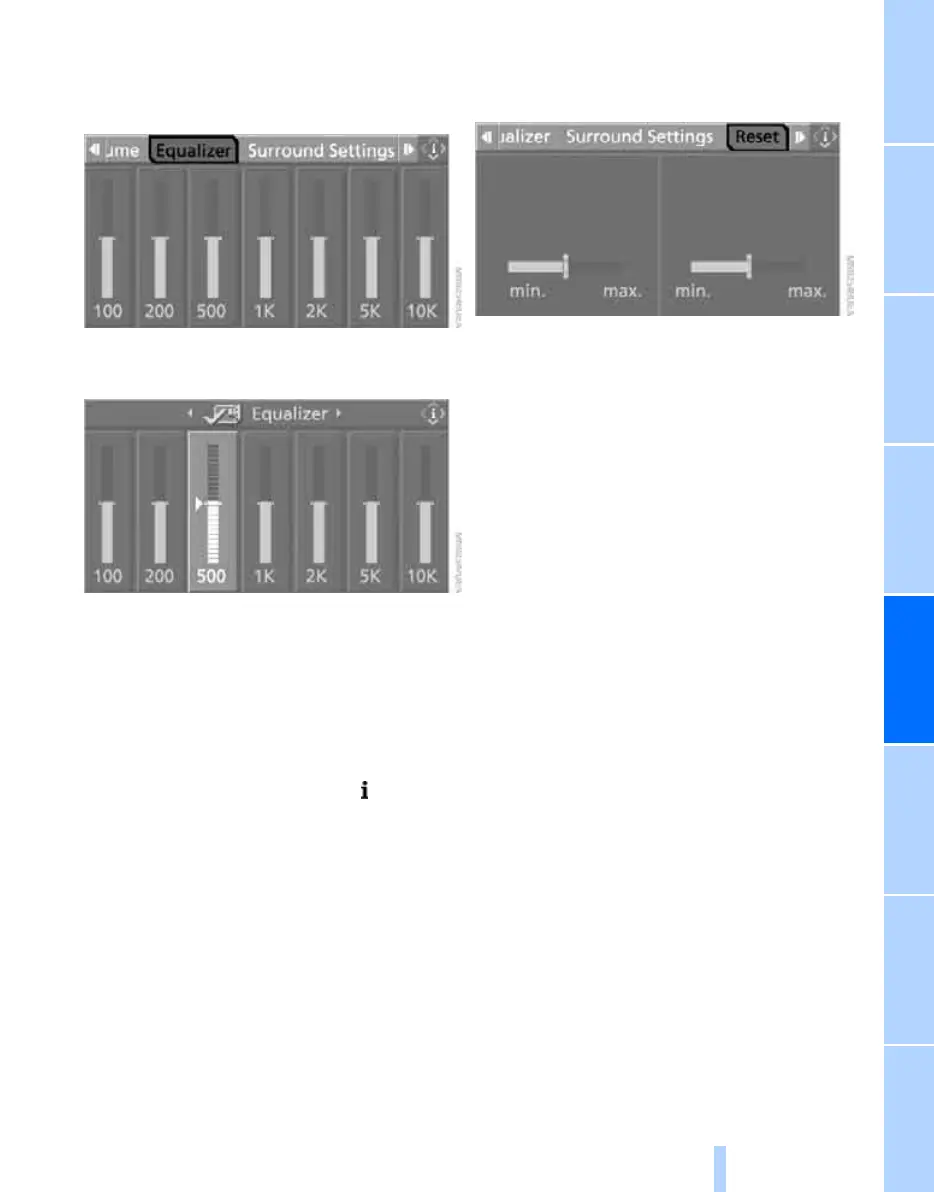
Equalizer*
You can set individual sound frequency ranges:
1. Select "Equalizer" and press the controller.
2. Move the controller to the left or right to
select the desired frequency range.
3. Turn the controller until the desired setting
is selected.
Resetting tone settings
You can reset all tone settings to the default
settings.
1. Open the start menu.
2. Press the controller to open the menu.
3. Turn the controller until "Settings" is
selected and press the controller.
4. Select "Audio" and press the controller.
5. Change to upper field if necessary. Turn the
controller until "Reset" is selected and
press the controller.
With two drives: select "Yes".
Online Edition for Part no. 01 41 0 012 830 - © 08/06 BMW AG



 To Next Page