Controls
29
Reference At a glanceDriving tipsCommunications NavigationEntertainmentMobility
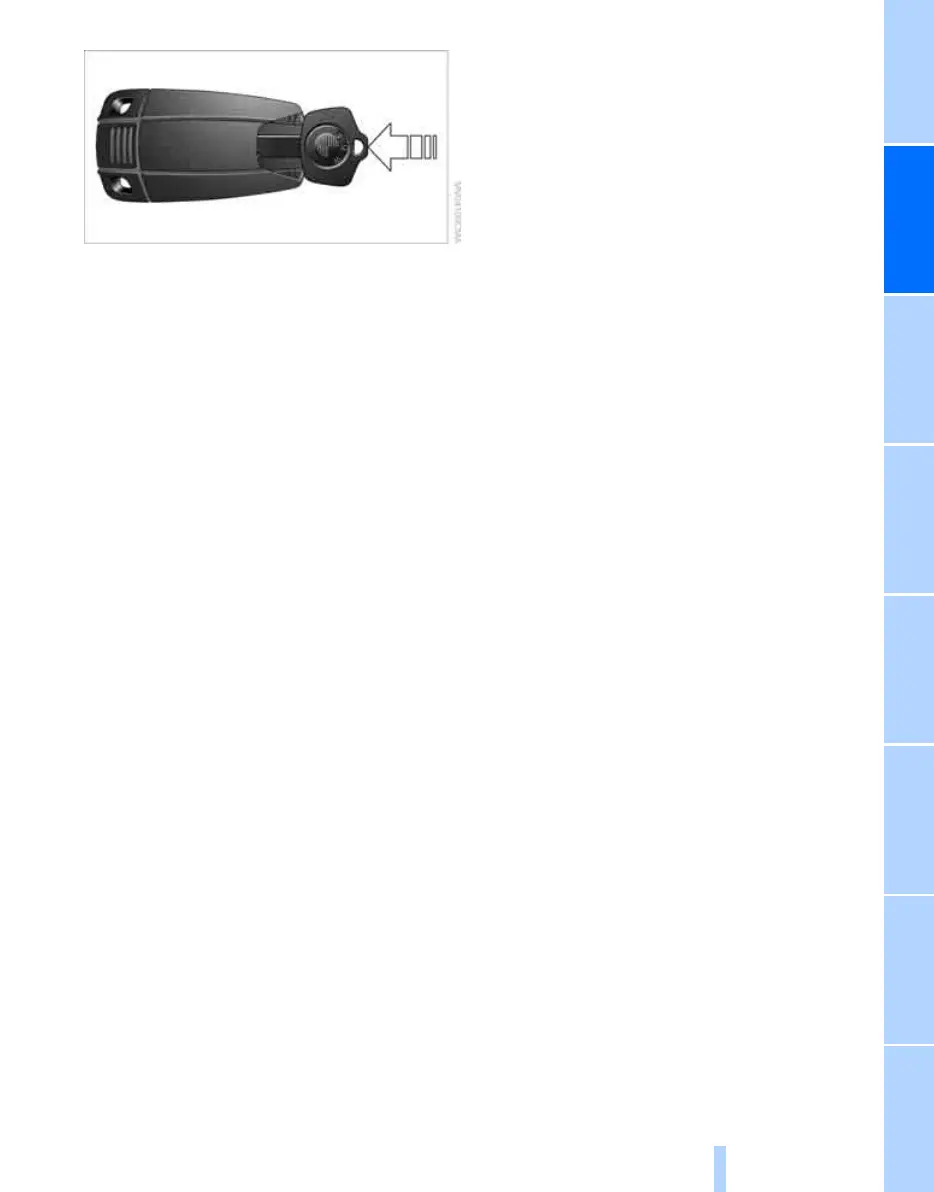
Remove the adapter from the holder in the
glove compartment and slide the spare key into
the adapter before use.
Personal Profile
The concept
You can set a number of functions of your BMW
individually according to your preferences. Per-
sonal Profile ensures that most of these set-
tings are stored for the remote control currently
in use without you having to do anything. When
the vehicle is unlocked, the corresponding
remote control is detected and the settings
stored for it are called up and carried out.
This means that you will always find your BMW
set to your own personal settings even if
another person with his/her own remote control
and settings has used the vehicle since the last
time you drove it. The individual settings are
stored for a maximum of four remote controls.
Personal Profile settings
Details on the settings are provided on the
specified pages.
> When unlocking with the remote control,
either unlock only the driver's door or
unlock the entire vehicle, refer to page 30
> Locking the vehicle after a short time or
after starting to drive, refer to page 33
> Assigning the programmable button on the
steering wheel, refer to page 52
> Individual settings for MDrive, refer to
page 53
> Settings for the display on the Control Dis-
play:
> Brightness of the Control Display, refer
to page 77
> Units of measure for consumption,
route/distances, temperature and pres-
sure, refer to page 77
> Language on the Control Display, refer
to page 77
> 12h/24h clock mode, refer to page 76
> Date format, refer to page 76
> Lighting settings:
> Pathway lighting, refer to page 93
> Daytime running lamps
*
, refer to
page 94
> Triple turn signal activation, refer to
page 63
> Drivelogic driving program in the Sequential
mode, refer to page 61
> Showing optical warning for PDC Park Dis-
tance Control
*
, refer to page 79
> Selection and brightness of the display for
the Head-Up Display
*
, refer to page 90
> Air distribution, temperature in the upper
body region, and intensity for the automatic
climate control, refer to page 98
> Adjusting the voice instructions for the des-
tination guidance of the navigation sys-
tem
*
, refer to Starting navigation system on
page 120
The most recent settings for the following are
also called up during unlocking:
> Driver's seat, exterior-mirror and steering-
wheel position, refer to page 47
> Audio sources, setting volume and tone,
refer to page 147
> Radio, displaying stored stations, refer to
page 150
> Telephone, setting volume, refer to
page 172
Online Edition for Part no. 01 41 0 012 830 - © 08/06 BMW AG



 To Next Page