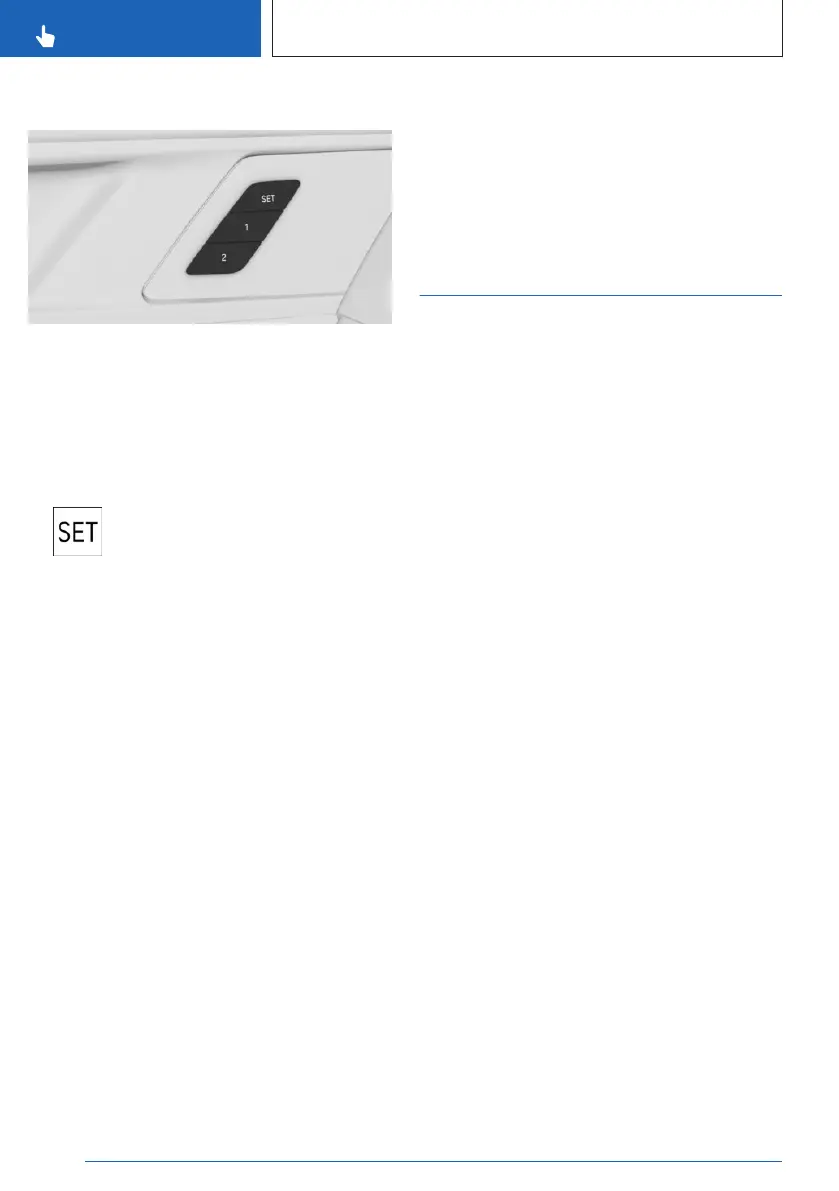
Overview
The memory buttons are located on the front
doors.
Storing settings
Using the button:
1.
Set the desired position.
2. Press the SET button on the front
door. The LED illuminates.
3. Press the desired memory button 1 or 2
while the LED is illuminated. A signal
sounds.
Via iDrive:
1.
Call up the following menu path via iDrive:
Apps menu / "Vehicle" / "Seat comfort".
2. Select desired seat.
3. "Save seat position"
Calling up settings
Using the button:
Press the desired memory button 1 or 2.
The stored position is called up.
The procedure stops when a seat setting
switch or one of the memory buttons is
pressed again.
The adjustment of the seat position on the
driver's side is interrupted after a short time
while driving.
Via iDrive:
1. Go through the menu as follows via iDrive:
Apps menu / "Vehicle" / "Seat comfort".
2. Select desired seat.
3. Select the desired seat position.
Seat climate control
Various climate control functions are available
for the seats.
Additional information:
Climate control, refer to page 260.
Seite 108
CONTROLS
Seats, mirrors and steering wheel
108
Online Edition for Part no. 01405A8A536 - VI/23



 To Next Page