Getting in
Opening and closing
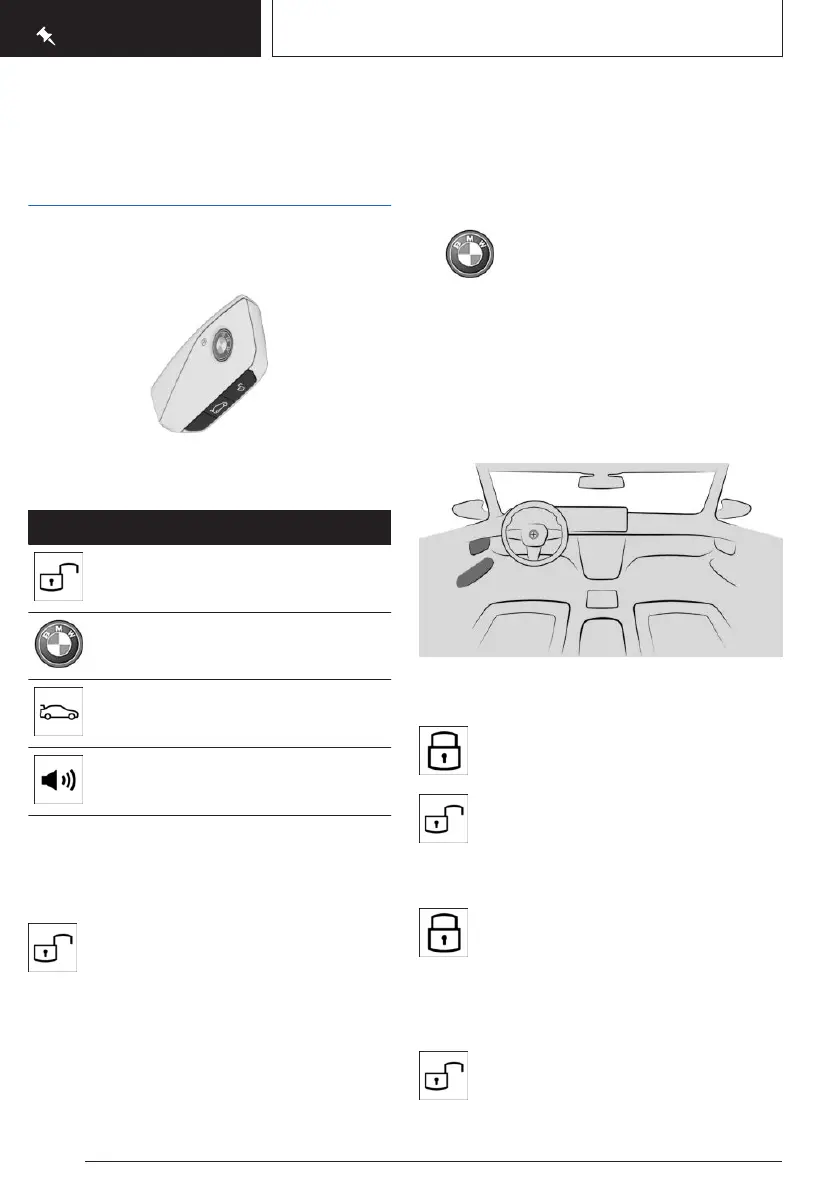
Vehicle key
Buttons on the vehicle key.
Icon Meaning
Unlock.
Lock.
Stationary climate control.
Open the cargo area.
Panic mode.
Pathway lighting.
Access to vehicle interior
Unlocking with the vehicle key
Press the unlock button on the vehicle
key.
If only the driver's door and charging socket
flap have been unlocked due to the settings,
press the button on the vehicle key again to
unlock the other vehicle access points.
Locking with the vehicle key
1. Close the driver's door.
2. Press the lock button on the vehicle
key.
All vehicle access points are locked.
Buttons for the central locking
system
Overview
The central locking buttons are located on the
front door.
The lock button.
The unlock button.
Locking the vehicle
With the front doors closed, press the
lock button on the front door.
The fuel filler flap remains unlocked.
Unlocking the vehicle
Press the unlock button on the front
door.
Seite 16
QUICK REFERENCE
Getting in
16
Online Edition for Part no. 01405A8A536 - VI/23



 To Next Page