BMW iDrive
Vehicle features and options
This chapter describes model-specific equip-
ment, systems, and functions that are currently
available, or may become available in the fu-
ture, even if they are not present in the vehicle.
Additional information:
Vehicle equipment, refer to page 8.
Display and operating
concept
Principle
BMW iDrive is the vehicle’s display and operat-
ing concept and includes a wide range of func-
tions. Using BMW iDrive, you can input letters
and characters when entering a destination or
activate or deactivate functions.
Depending on vehicle equipment, the functions
can be operated as follows:
▷ Via the control display.
▷ Via the BMW Intelligent Personal Assistant.
▷ Via the operating elements on the steering
wheel.
Additional information:
Instrument cluster, refer to page 44.
Safety information
Warning
Operating the integrated information systems
and communication devices while driving can
distract from surrounding traffic. It is possi-
ble to lose control of the vehicle. There is
a risk of accident. Only use the systems or
devices when the traffic situation allows. As
warranted, stop and use the systems and de-
vices while the vehicle is stationary.
Input and display
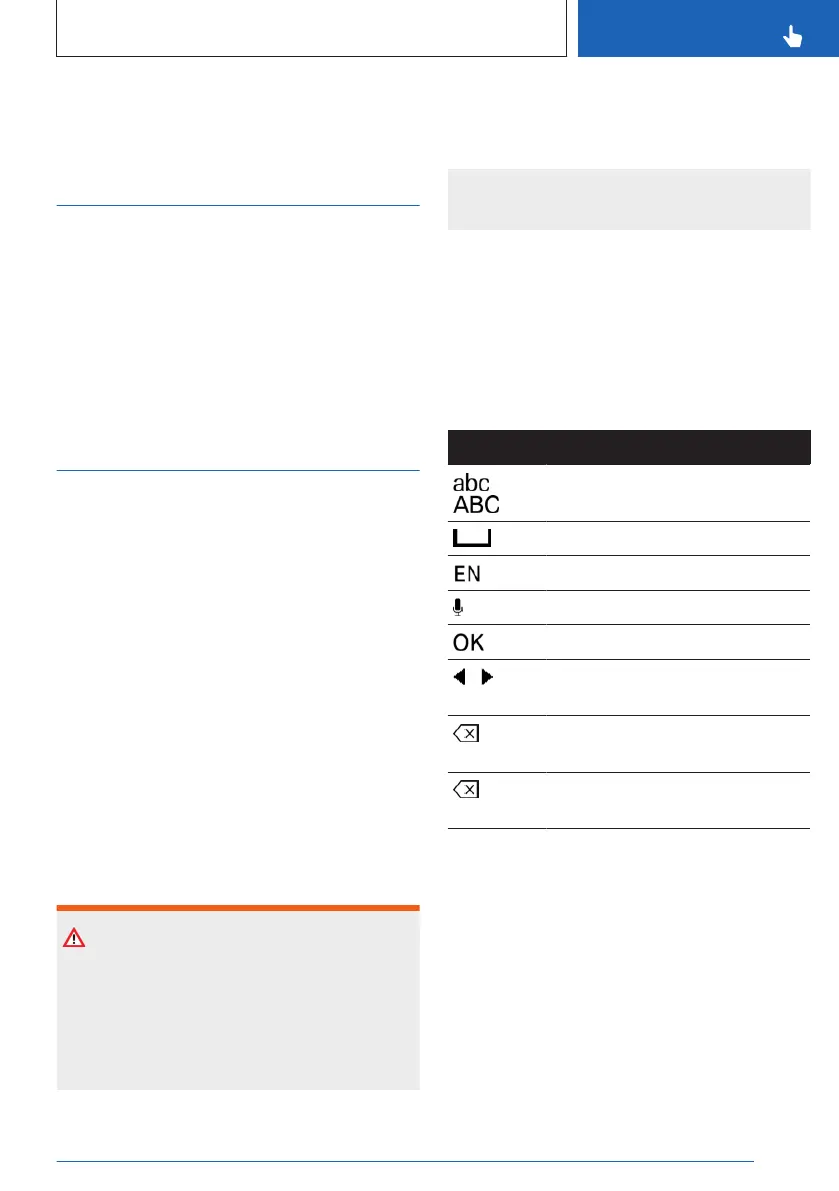
Entering letters and numbers
Letters and numbers can be entered, e.g.,
when inputting destinations.
Letters and numbers can be entered using the
control display or voice control.
Icon Function
Change between capital and
lower-case letters.
Enter a blank space.
Switching between languages.
Use voice control.
Confirm entry.
Shift the input area to the left or
right.
Tap icon: delete a letter or a
number.
Press and hold the icon: delete
all letters or numbers.
Entry comparison
When entering data from a database such as
contacts, the selection is gradually narrowed
down for each character entered, with charac-
ters being added as necessary.
Activating/deactivating the functions
Some menu items are preceded by an icon. To
activate or deactivate the function, select the
menu item.
Seite 43
BMW iDrive
CONTROLS
43
Online Edition for Part no. 01405A8A536 - VI/23



 To Next Page