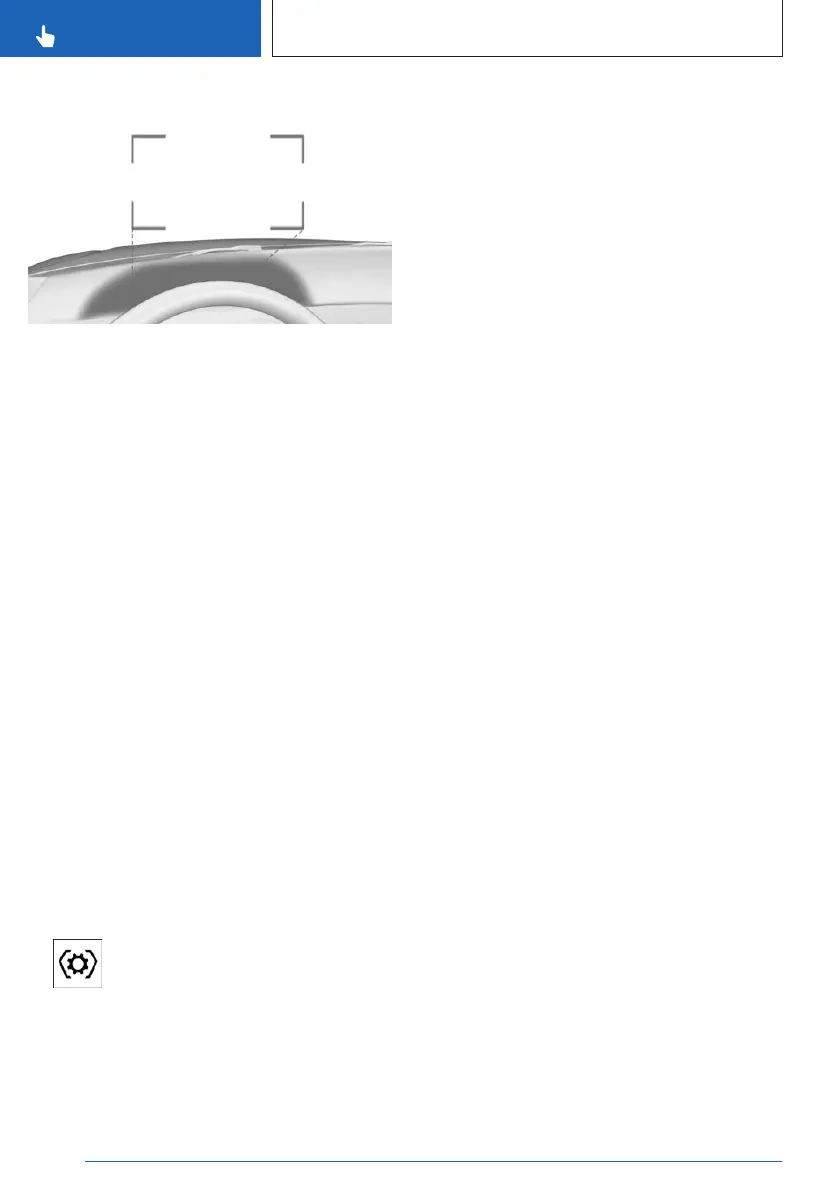
Overview
Head-up display views are projected onto the
windshield through a protective glass. The pro-
tective glass is located between the steering
wheel and windshield.
Displayable information
The following information is displayed on the
Head-up display:
▷ Speed.
▷ Navigation instructions.
▷ Check Control messages.
▷ Sport displays.
▷ Shift lights.
▷ The Efficiency Coach.
▷ Lists and messages.
▷ The driver assistance systems.
Some of this information is only displayed
briefly as needed.
Configuring a view
Views can be configured for the Head-up dis-
play independently of the view on the instru-
ment cluster, e.g., reduced view.
1.
Press the Settings button on the
steering wheel.
A menu bar is displayed in the instrument
cluster.
2. "HEAD-UP"
Select the menu by tilting the thumbwheel
on the steering wheel where applicable.
3. Select the desired setting using the knurled
wheel on the steering wheel.
Turning the Head-up display on/off
To switch the Head-up display on or off, call
up the following menu via iDrive: Apps menu /
"Vehicle" / "Displays" / "Head-up display" /
"Head-up display"
Settings
Individual settings can be entered for the
Head-up display such as for the height, bright-
ness or illustration. You can also set up specific
views on the Head-up display separately, e.g.,
for Driver Assistance information.
1.
Go through the menu as follows via iDrive:
Apps menu / "Vehicle" / "Displays" /
"Head-up display".
2. Select the desired setting.
Depending on vehicle equipment, the height of
the Head-up display can be stored using the
memory function.
Visibility of the display
The visibility of the displays in the Head-up
display is influenced by the following factors:
▷
Seat position.
▷ Objects on the Head-up display's protective
glass.
▷ Dust or dirt on the Head-up display's pro-
tective glass.
▷ Windshield dirty on inside or outside.
▷ Sunglasses with certain polarization filters.
▷ Wet road.
▷ Unfavorable light conditions.
If the image is distorted, have the basic set-
tings checked by an authorized service center
or another qualified service center or repair
shop.
Seite 130
CONTROLS
Displays
130
Online Edition for Part no. 01405A8A536 - VI/23



 To Next Page