Adaptive lighting functions
Principle
The adaptive lighting functions provide dy-
namic illumination of the road.
The adaptive lighting functions may consist of
one system or multiple systems, depending on
the equipment version:
▷ Cornering light.
Activating the adaptive lighting
functions
On the light switch, press the button for
automatic driving lights and low-beam
headlights.
The LED in the button illuminates.
The adaptive lighting functions are active
when the drive-ready state is switched on.
Cornering light
In tight curves, for instance on mountainous
roads or when turning, an additional cornering
light is switched on that illuminates the inside
of the curve when the vehicle is moving below
a certain speed.
The cornering light is automatically switched
on depending on the steering-wheel angle or,
where applicable, the use of turn signals. When
driving in reverse, the cornering lights may be
automatically switched on regardless of the
steering-wheel angle.
Adaptive headlight range
control
The Adaptive Headlight Range Control com-
pensates for vehicle acceleration, braking, and
load conditions to prevent your headlights from
dazzling oncoming traffic.
Instrument lighting
Principle
The instrument lighting illuminates switches
and buttons with the individually set bright-
ness.
The brightness of the instrument lighting can
only be adjusted in darkness and when the
parking lights or low-beam headlights are
turned on.
Setting the brightness
The brightness of the instrument lighting can
be adjusted.
1.
Go through the menu as follows via iDrive:
Apps menu / "Vehicle" / "Interior lighting" /
"Cockpit brightness".
2. Select the desired setting.
Interior lighting
Principle
The interior lighting comprises all lighting ele-
ments inside the vehicle. Depending on vehicle
equipment, the interior lights, footwell lights,
entry lights, ambient light, and speaker lighting
are controlled automatically.
Overview
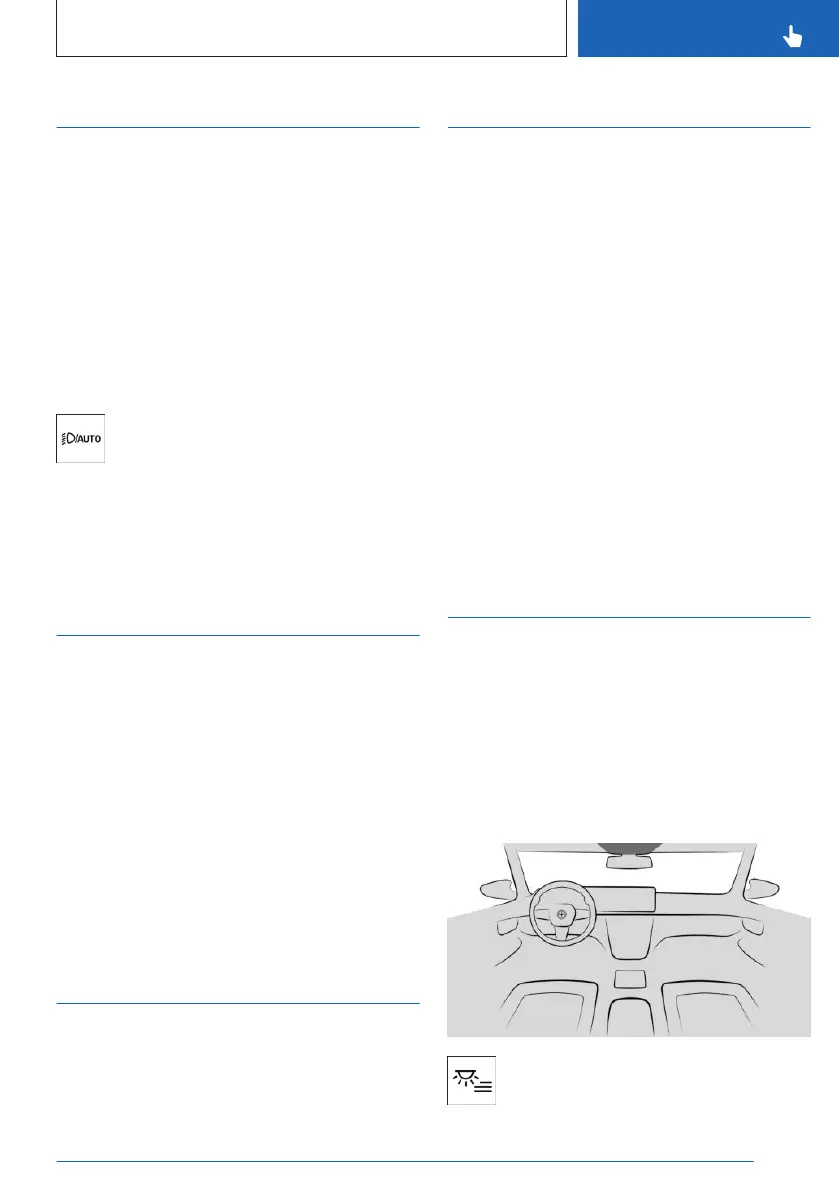
The interior lighting menu button is lo-
cated in the headliner.
Seite 155
Light and view
CONTROLS
155
Online Edition for Part no. 01405A8A536 - VI/23



 To Next Page