BMW xDrive
BMW xDrive is the all-wheel-drive system
of the vehicle. The interplay between BMW
xDrive and other suspension control systems
such as Dynamic Stability Control further opti-
mizes traction and driving dynamics.
BMW xDrive variably distributes the drive
forces to the front and rear axles as required
by the driving situation and road conditions.
Hill Descent Control
Principle
Hill Descent Control is a downhill control fea-
ture that adjusts the vehicle speed on steep
downhill gradients, e.g., when driving on un-
paved roads.
When Hill Descent Control is on, the vehicle
moves at the speed set by the driver, without
the driver having to depress the brake pedal.
While Hill Descent Control is regulating the
speed, it automatically distributes the brake
power to the individual wheels. Driving stability
and steerability are improved. If necessary, the
Antilock Braking System prevents the wheels
from locking.
Hill Descent Control can be enabled at speeds
below approx. 25 mph/40 km/h.
Speeds can be set between approx.
2 mph/3 km/h and approx. 20 mph/30 km/h.
While driving downhill, this system reduces the
vehicle speed to the set value, as physically
possible.
Hill Descent Control provides assistance when
driving in selector lever positions D, N, and R.
Enabling/disabling Hill Descent
Control
To activate or deactivate Hill Descent Control,
go through the menu as follows via iDrive:
Apps menu / "Vehicle" / "Driving settings" /
"Driver Assistance" / "Hill Descent Control".
Hill Descent Control is automatically disabled
at speeds above approx. 25 mph/40 km/h.
While Hill Descent Control is regulating the ve-
hicle speed, the following functions are deacti-
vated:
▷ Forward Collision Mitigation.
▷ Active Park Distance Control emergency
braking.
Additional information:
▷ Forward Collision Mitigation with brake in-
tervention, refer to page 167.
▷ Active Park Distance Control, refer to
page 249.
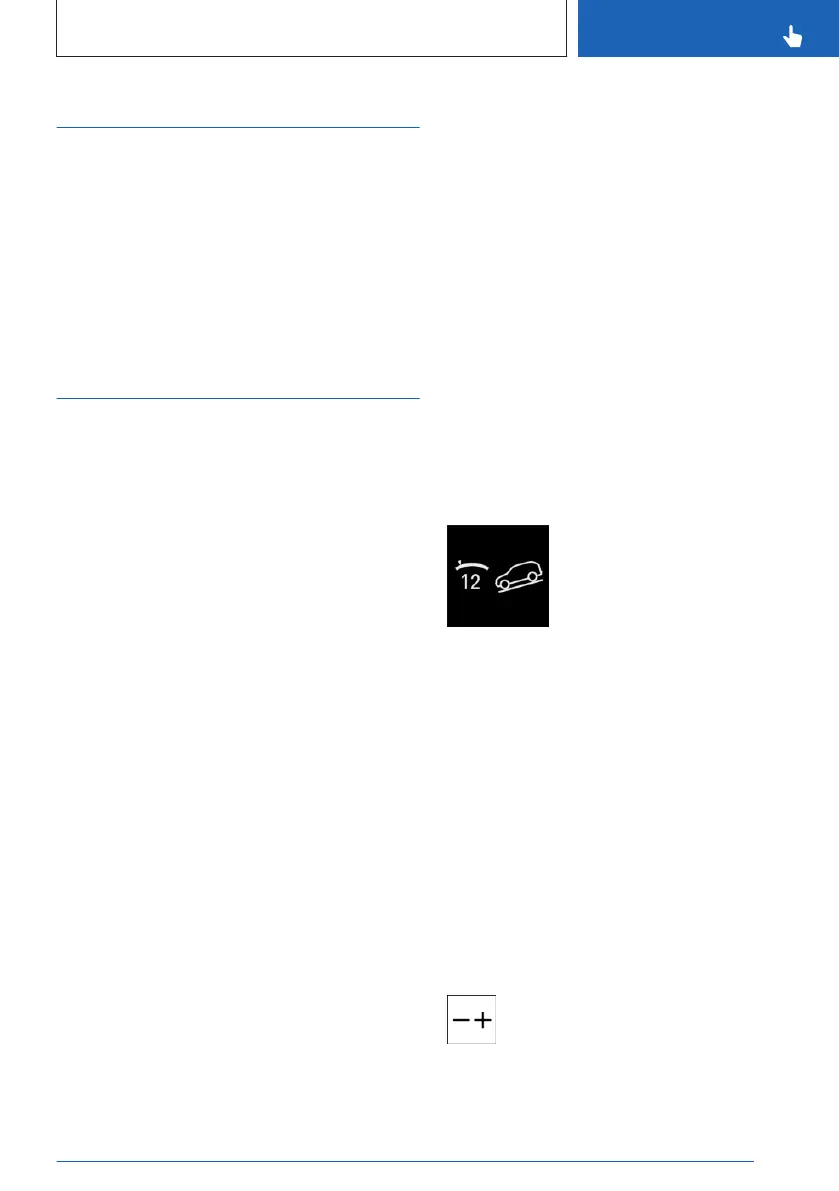
Display in the instrument cluster
The selected desired speed is
displayed on the instrument
cluster together with the Hill De-
scent Control icon.
▷ The display illuminates green
when the system is on. Hill
Descent Control decelerates
the vehicle.
▷ The display illuminates gray when the sys-
tem is in standby.
Display in the Head-up display
The status of Hill Descent Control can also be
shown on the Head-up display.
Increasing or decreasing vehicle
speed
Using the Cruise Control buttons
You can set the desired speed for Hill
Descent Control using the plus and mi-
nus buttons on the left of the steering
wheel.
Seite 205
Driving stability control systems
CONTROLS
205
Online Edition for Part no. 01405A8A536 - VI/23



 To Next Page