Overview
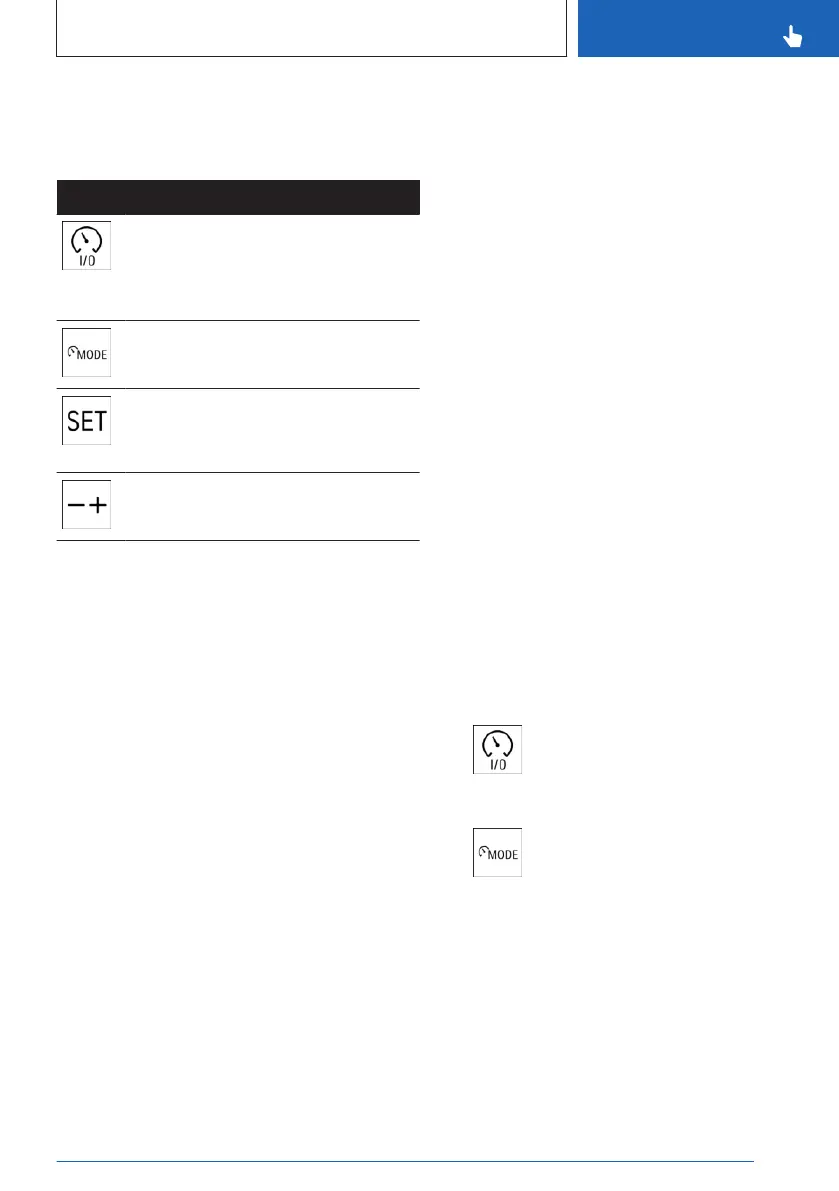
Buttons on the steering wheel
Button Function
Turn last active speed control sys-
tem on/off.
Interrupt and continue speed control
systems.
Select the desired speed control
system.
Store current speed.
Speed Limit Assistant: accept sug-
gested speed manually.
Set speed.
Sensors
Assisted Driving Mode is controlled by the fol-
lowing sensors:
▷
Camera behind the windshield.
▷ Front radar sensor.
▷ Depending on vehicle equipment, via the
front, side radar sensors.
▷ Depending on vehicle equipment, via the
rear, side radar sensors.
▷ The sensors in the steering wheel.
▷ Depending on the vehicle equipment and
national-market version, the Driver Atten-
tion Camera in the instrument cluster.
Additional information:
▷
Sensors of the vehicle, refer to page 34.
▷ Driver Attention Camera, refer to page 201.
Functional requirements
The following functional requirements apply for
Assisted Driving Mode:
▷
Depending on vehicle equipment, the
speed must be below 130 mph/210 km/h or
110 mph/180 km/h.
▷ The lane is sufficiently wide.
▷ Hands are on the steering wheel rim.
▷ The bend radius is sufficiently large.
▷ The vehicle is driving in the center of the
lane.
▷ The sensor system calibration process is
complete.
▷ Distance Control is active.
▷ The seat belt on the driver's side is fas-
tened.
▷ Forward Collision Mitigation is active.
▷ The side-collision warning must be active,
depending on vehicle equipment.
▷ If your vehicle is equipped with a trailer
hitch, you must set on the control display
that you are using a trailer or rear carrier,
respectively.
Additional information:
Driving with trailer or rear carrier, refer to
page 300.
Switching on Assisted Driving Mode
1.
To switch Assisted Driving Mode on,
press the on/off button on the left side of
the steering wheel.
2. If necessary, press the MODE but-
ton on the left side of the steering wheel
until Assisted Driving Mode is selected on
the instrument cluster toolbar.
System activates automatically as soon as all
function conditions are fulfilled.
The status of Assisted Driving Mode is dis-
played on the instrument cluster.
Seite 221
Driver assistance systems
CONTROLS
221
Online Edition for Part no. 01405A8A536 - VI/23



 To Next Page