The departure time is preselected in two steps:
▷ Set departure times.
▷ Activate departure times.
Pre-conditioning activates automatically a few
minutes before the set departure time. Pre-
conditioning stays on for a short time after the
set departure time.
For safety reasons, the air conditioning can
only be activated once for the departure time.
Pre-conditioning can be used again as soon as
drive-ready state is activated and then deacti-
vated again.
Observe the information about the intended
use of the vehicle.
Additional information:
For Your Own Safety, refer to page 9.
Setting the departure time
The departure time can be set via iDrive:
1.
Tap the icon for the Climate menu
on the menu bar.
2. Tap the settings button.
3. "Pre-conditioning"
4. "Departure plan"
5. Set the departure time.
6. Select day of the week, if needed.
Activating the departure time
The departure time can be activated via iDrive:
1.
Tap the icon for the Climate menu
on the menu bar.
2. Tap the settings button.
3. "Pre-conditioning"
4. "Departure plan"
5. Activate the desired departure time.
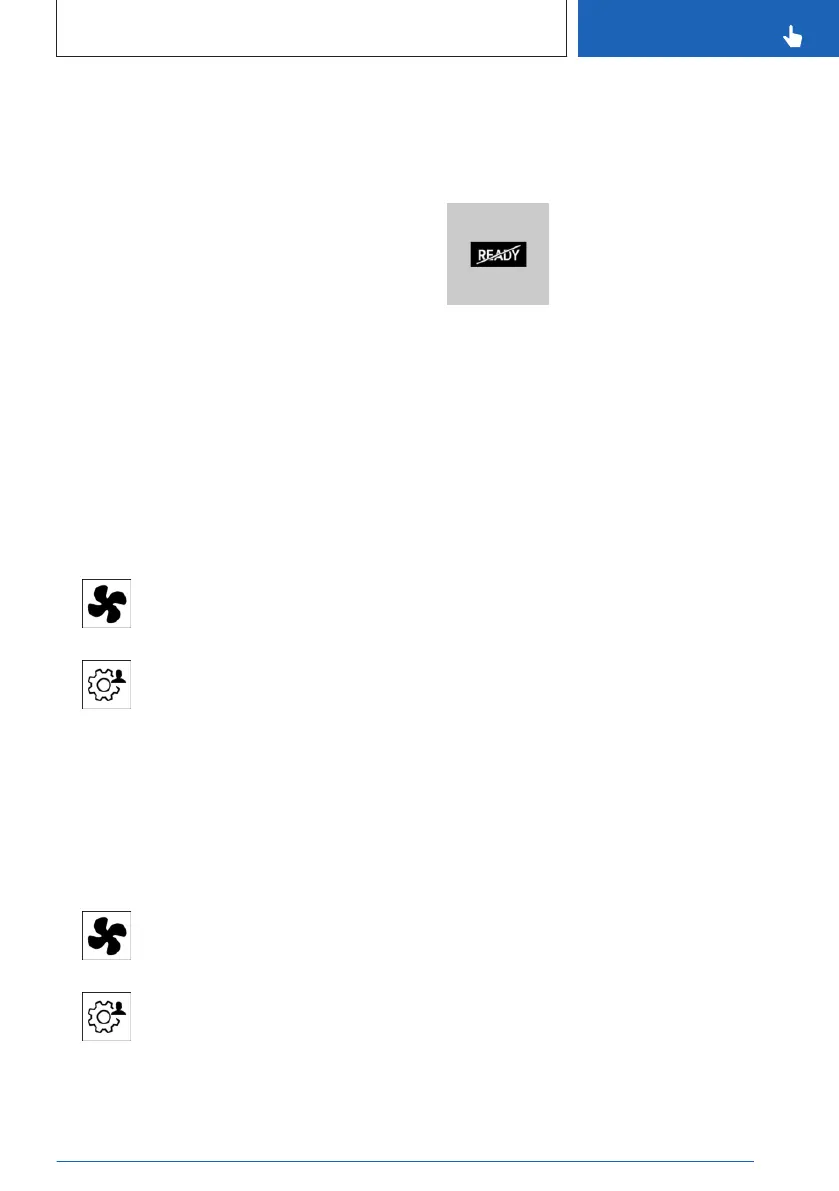
Display
In the instrument cluster:
The engine runs for the purpose
of operating the pre-condition-
ing. The vehicle is not ready to
drive.
Confirmation signals from the
vehicle
Activation of the pre-conditioning is confirmed
by the light flashing twice.
The parking lights are switched on as long as
the system is switched on.
Seite 271
Climate control
CONTROLS
271
Online Edition for Part no. 01405A8A536 - VI/23



 To Next Page