Efficient Mode
Principle
Efficient mode helps promote an efficient driv-
ing style.
In addition, the efficiency trainer displays situa-
tion dependent notes to assist with an efficient
driving style.
The achieved extended range is displayed in
the instrument cluster as bonus range.
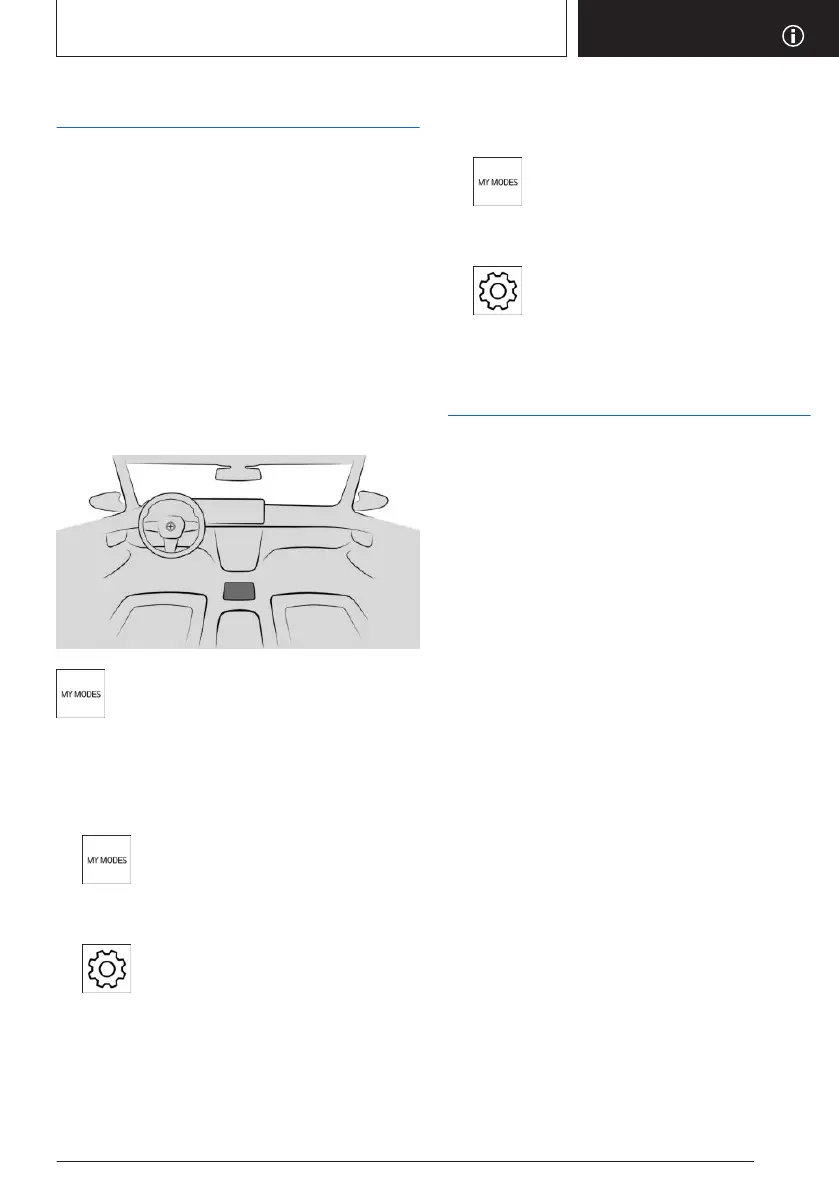
Overview
Button in the vehicle
The My Modes button located on the
center console.
Configuring Efficient mode
To configure Efficient Mode, proceed as fol-
lows:
1.
Press the My Modes button on the
center console.
2. "EFFICIENT"
3. Select the icon.
4. Select the desired setting.
Resetting the settings
To reset your settings, proceed as follows:
1. Press the My Modes button on the
center console.
2. "EFFICIENT"
3. Select the icon.
4. Select the desired setting.
Efficiency trainer
Principle
The Efficiency Coach supports an anticipatory
and comfort-oriented driving style. For this
purpose, map information and sensor data is
used to analyze the current driving situation
such as upcoming speed limits and vehicles
driving ahead. Based on this information, the
driver receives notices for an efficient driving
style early on. The efficiency of the driving style
is evaluated in the control display and shown
in three categories.
General information
The system has different displays to support
the driver with an efficient driving style.
Functional requirements
Note the following functional requirements
when using the Efficiency Coach:
▷
Selector lever position D is engaged.
▷ Efficient Mode is activated.
Display
Power gauge
When Efficient Mode is activated, the display
on the instrument cluster switches to a special
view.
Seite 309
Saving fuel
DRIVING TIPS
309
Online Edition for Part no. 01405A8A536 - VI/23



 To Next Page