Blu-ray video
General information
Operating Blu-ray video is analog to operating a
video DVD.
Deviations from and additions to the operation of
a video DVD are described in the following sec‐
tions.
Country codes
Only Blu-ray discs with the country code se‐
lected during vehicle ordering can be played. Re‐
fer to the information on the Blu-ray disc as well.
Code Region
A North America, South America, Ja‐
pan, Korea, Taiwan, Hong Kong,
South-East Asia.
B Europe, Africa, Oceania, Greenland.
C India, Nepal, China, Russia, Central
and South Asia.
Starting playback
When inserting a Blu-ray disc, the playback does
not start automatically.
Start playback:
1.
"MEDIA"
2. "CD/DVD/Blu-ray"
Video menu
The following menu items can also be selected
in the Blu-ray disc video menu:
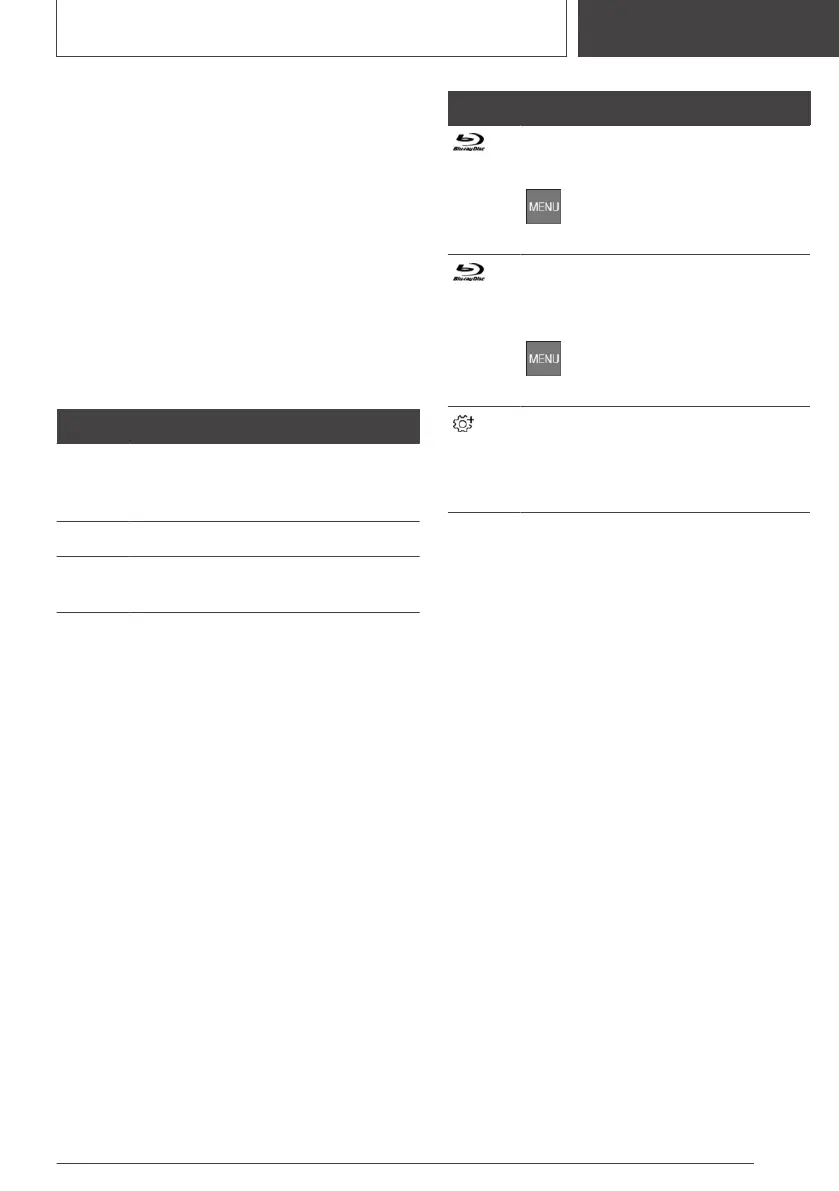
Icon Function
Go to Blu-ray menu.
The film is stopped.
Press the button to leave the
Blu-ray menu.
Go to the Blu-ray pop-up menu.
The film continues to run in the back‐
ground.
Press the button to leave the
Blu-ray menu.
Additional functions.
Scenes can be highlighted. This
function depends on the features of
the Blu-ray disc.
Blu-ray memory
The Blu-ray drive contains an internal memory,
for highlighting scenes, for instance.
When the Blu-ray memory is full, a message ap‐
pears on the Control Display.
Deleting the Blu-ray memory
1.
Touch the screen for approximately 3 sec‐
onds during a Blu-ray disc playback.
The pop-up window opens.
2. "Delete Blu-ray memory"
Picture-in-picture function
Some Blu-ray discs enable an image to be
integrated into a running video, in which other
contents of the Blu-ray disc are displayed.
The picture-in-picture function is started via the
Blu-ray menu. The procedure for starting the pic‐
ture-in-picture function depends on the Blu-ray
disc.
Cinavia Notice
This product uses Cinavia technology to limit the
use of unauthorized copies of some commer‐
Seite 61
Rear-seat entertainment
ENTERTAINMENT
61
Online Edition for Part no. 01405A39127 - VI/21



 To Next Page