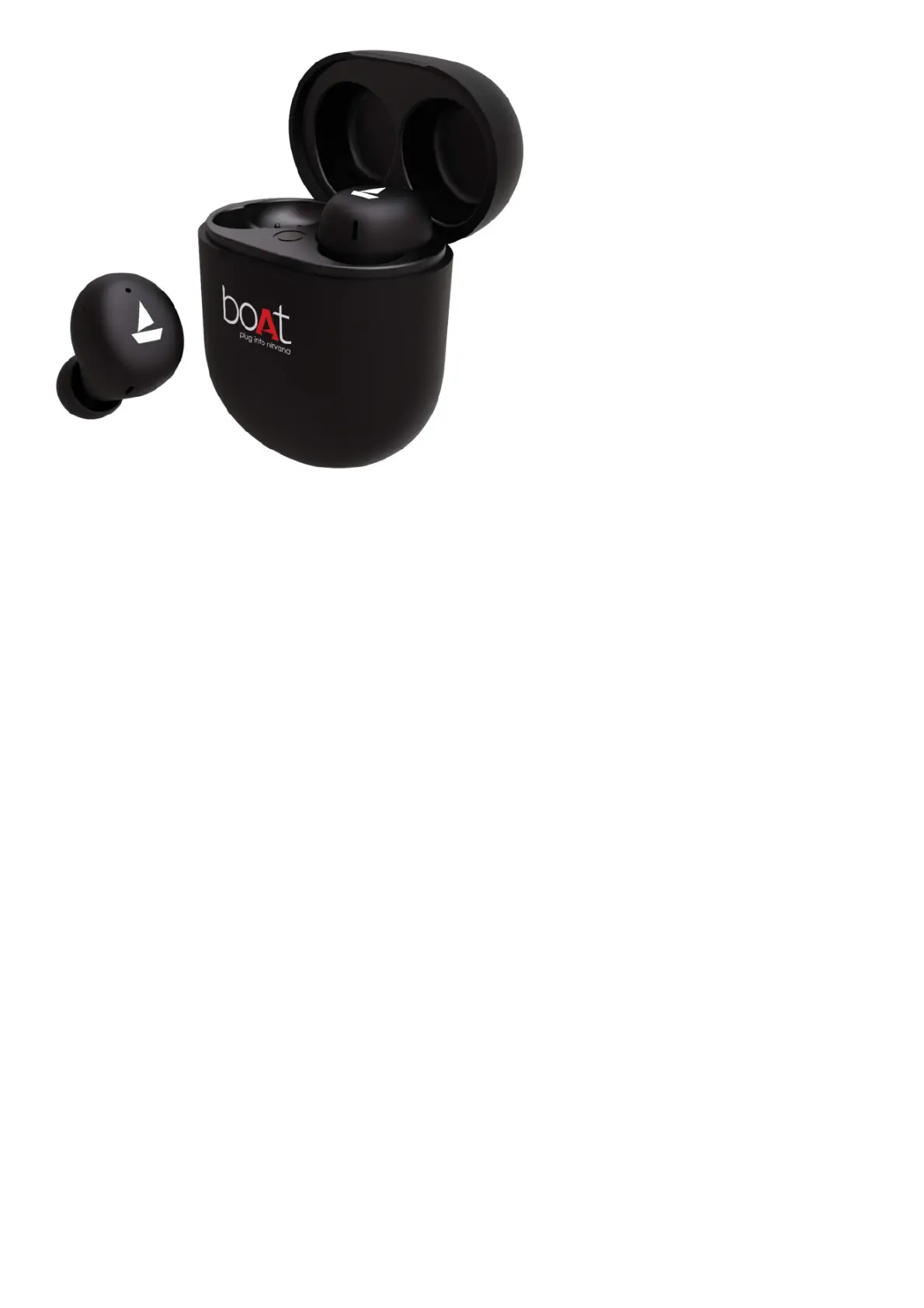
In the box
1. 1x Pair of TWS Earbuds
2. 1x Charging Case
3. 2x Pairs of Additional Earmuffs
4. 1x Type-C Charging Cable
5. 1x User Manual
6. 1x Warranty Card
7. 1x Catalogue
Power On (First Time User)
Step 1: To switch the earbuds on (Smart Power On) simply open the lid of the charging case (when earbuds are
inside). Our IWP™ (Insta Wake N’ Pair) Technology enables the earbuds to power on automatically, get connected
and enter into the connection mode OR Long touch the CTC on both earbuds for 3 seconds to manually power on
the earbuds
Step 2: Both the earbuds will automatically pair with each other. The earbuds will enter into the Connection Mode,
indicated by green LED flashes Connection Mode
Step 3: Turn on the Bluetooth functionality on your phone/media device and scan
Step 4: Search for ‘Airdopes 621’ and pair accordingly.



 To Next Page