Charge The Case
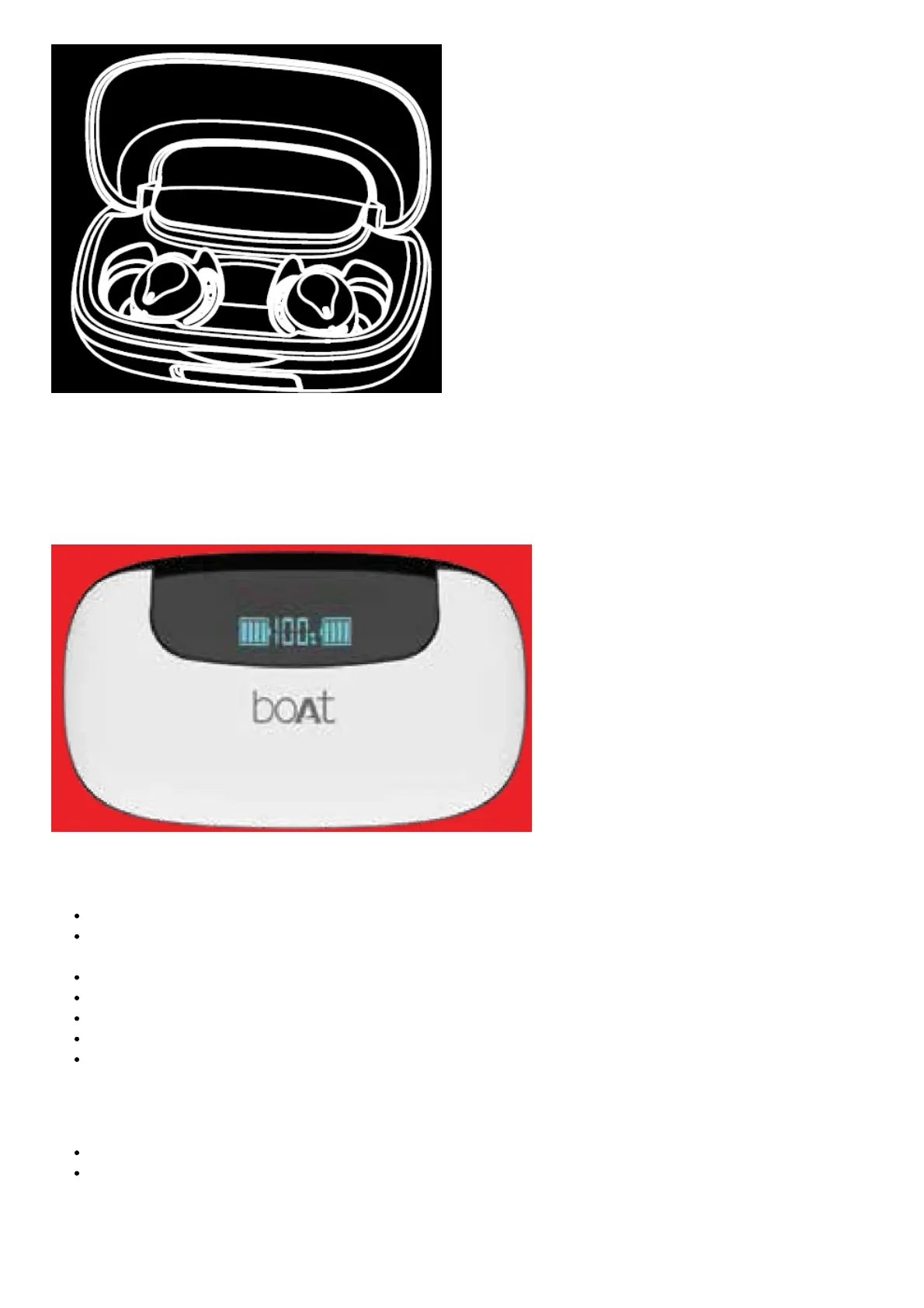
Step To charge the case, plug one end of the provided cable into the case and connect the other end to a computer/
wall adapter/ powerbank, etc.
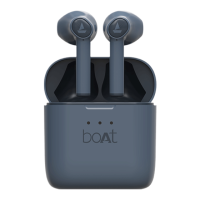
The case battery display shows the remaining battery capacity of the case as well as of both the earbuds
Basic Functions
Voice Assistant: Long touch the CTC on either earbud for 2 seconds to activate the voice assistant
Answer/Hang Up Call: Single tap the CTC on either earbud to answer an incoming call and once again to hang
up an ongoing call
Reject Call: Long touch the CTC for up to 1.5 seconds to reject incoming calls
Play/Pause Music: Single tap on either earbud’s CTC to play or pause music
Next Track: When playing music, double tap the right CTC to skip to the next song
Previous Track: When playing music, double tap the left CTC to return to the previous song
Powerbank Function: In case of emergency, for instance when your phone runs out of battery, you may utilize
the 2600mAh Case for charging your device for some time
Note:
It is advisable not to use the Carry cum Charge case as a power bank unless there’s some sort of emergency
Volume can only be controlled via the media device. The earbuds do not support this function
Voice Assistant



 To Next Page