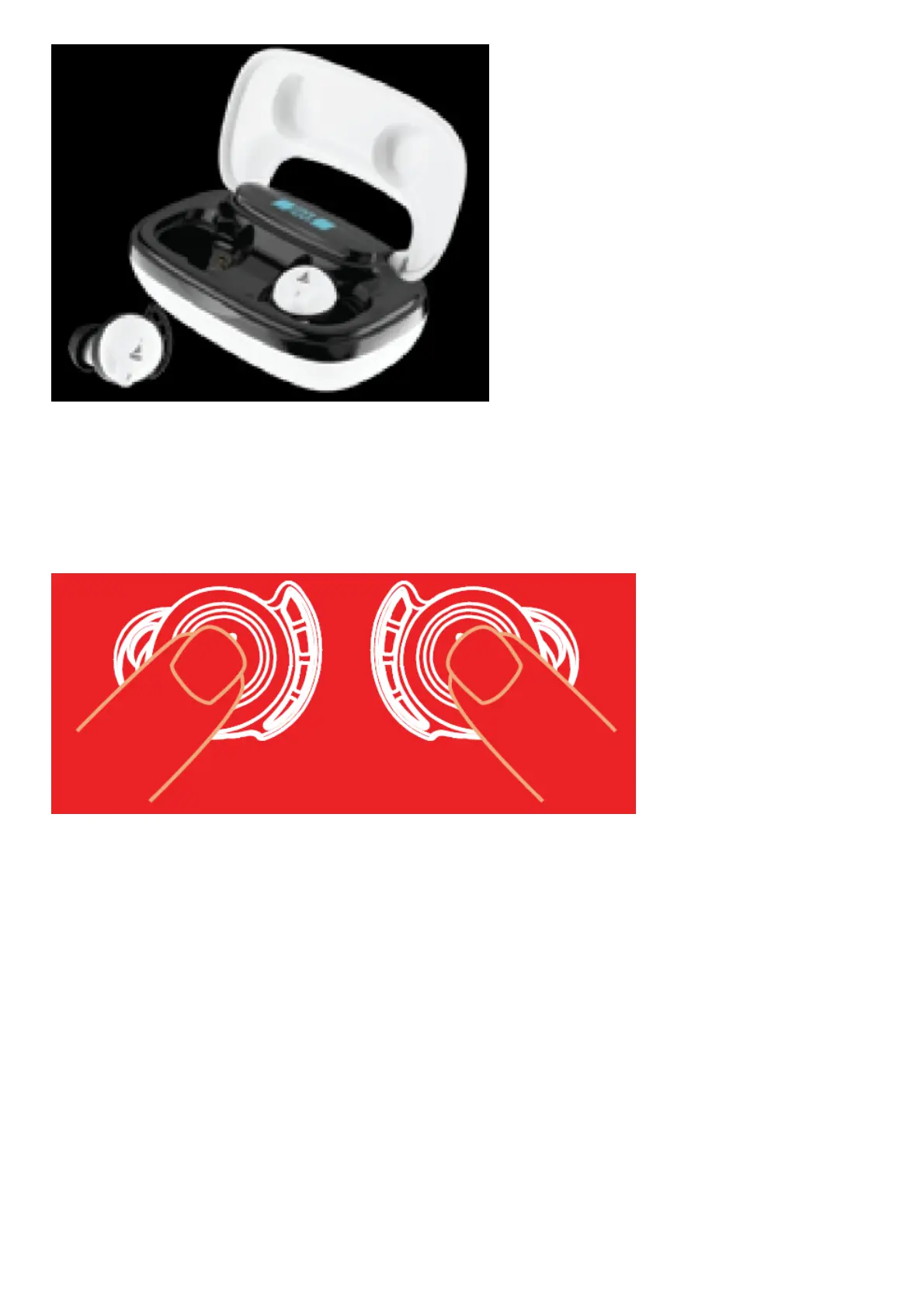
LED Indicators / Functionalities
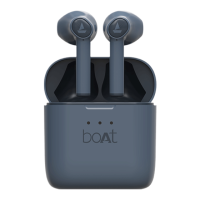
2 Seconds Long touch either CTC for 2 sec to activate voice assistant
3 Seconds Long touch both CTCs for 3 seconds to manually power on
5 Seconds Long touch either CTC for 5 seconds to manually power off
10 Seconds Long press the CTC on both earbuds inside the case for up to 10 seconds for reset
Charging The Earbuds
Step 1: Please insert the earbuds back inside the charging case in correct orientation.
Step 2: A solid green LED indicates that the earbuds are being charged. Once fully charged the LED turns off
Step 3: Once the earbuds are fully charged, the charging case automatically switches off to save power.
Note:
Before using the ear-buds for the first time, it is recommended to fully charge the ear-buds. Also, please keep the lid
of the charging case closed while charging



 To Next Page