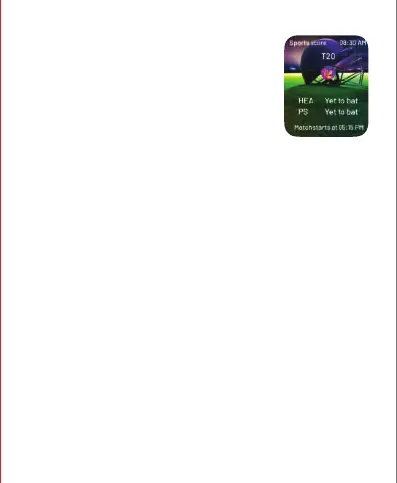
SWIPE UP TO ACCESS THE LIVE SCORE.
You can check the cricket live scores from here.
SIDE BUTTON FUNCTIONALITY
Short-press the side button to go to the previous tab and long-press the side
button to make an SOS call. Follow these steps to activate the SOS feature:
• Open the boAt Crest app on your device.
• Navigate to the "Home Dashboard."
• Locate the "Top Features" section on the dashboard.
• In the "Top Features," you will find the "SOS" feature. Click on it to access the
SOS functionality.
• To initiate an SOS call, perform a long press on the side button of your
smartwatch.
• Note: You can add an emergency contact through the boAt Crest app.


 To Next Page