S250 Bobcat Loader
OI-8 Operation & Maintenance Manual
INSTRUMENT PANEL IDENTIFICATION (CONT’D)
Right Panel (Deluxe - With Keyless Start) (Cont’d)
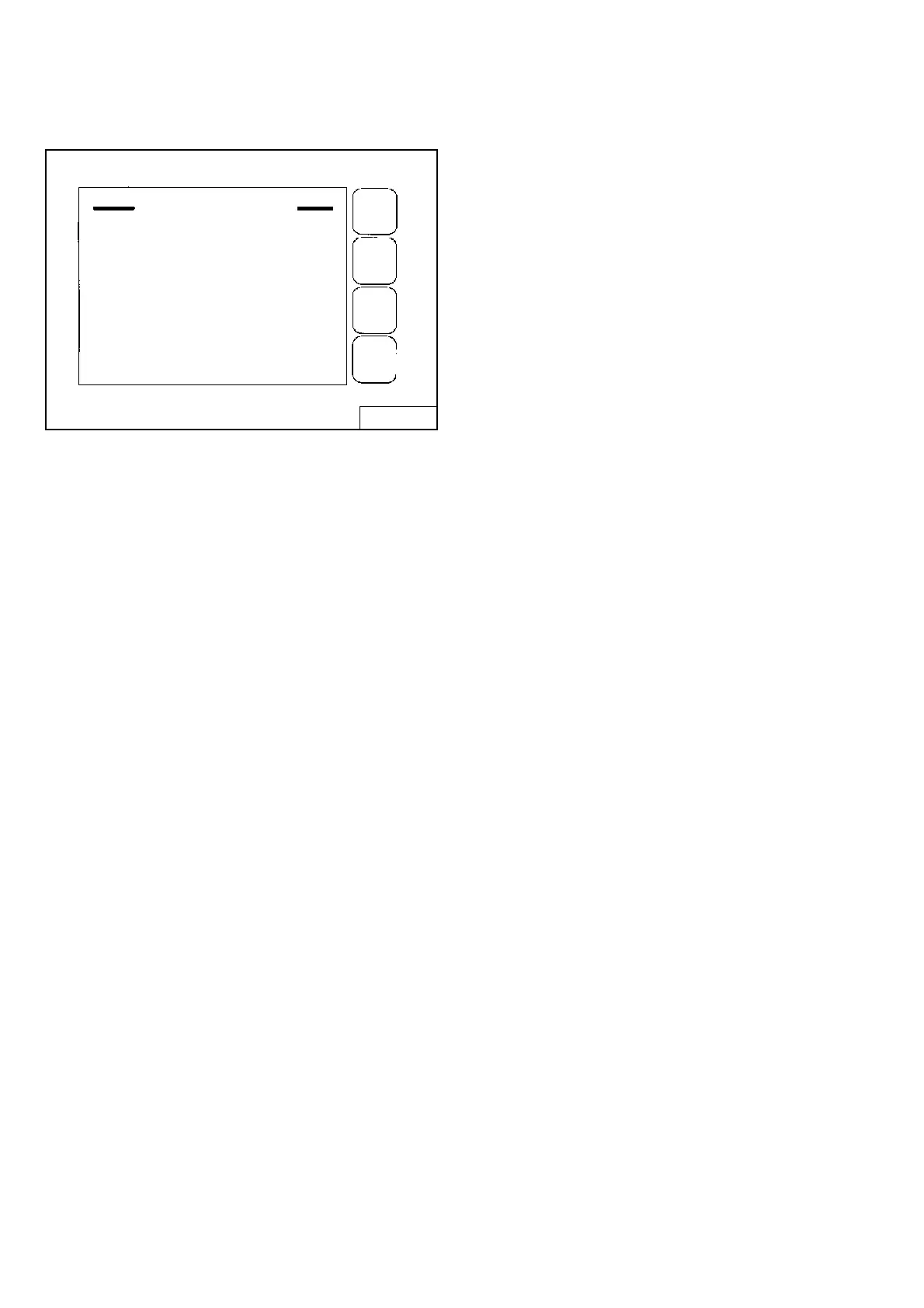
Figure OI-5
Use the Keypad to select the number of the language
[Figure OI-5].
Press EXIT. The screen will return to [Figure OI-4]. You
can then enter the password and start the engine.
(See DELUXE INSTRUMENT PANEL SETUP on
Page SA-9) for further description of screens to setup the
system for your use.
NOTE: Pressing the EXIT key will go to the previous
screen and you can continue pressing until
you get to the initial (home) screen.
SHORTCUT: Press the “0” (zero) key to get to
the home screen immediately.
B-16160
ENGLISH / INGLES
Use keypad to select languages
1. English
2. Espanol
3. Francaia
4. Deutsch
5. Italiano
6. Nederlands
EXIT


 To Next Page
 Loading...