2.11 Reset
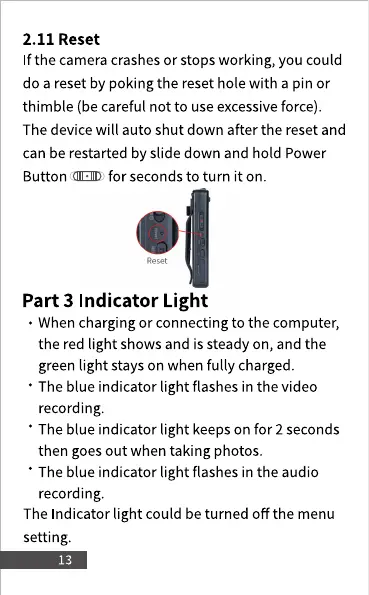
If the cameracrashesor stops working, you could
do a reset by poking the reset hole with a pin or
thimble (be careful not to use excessive force).
The device will auto shut down after the reset and
can be restarted by slide down and hold Power
Button (CIEID for seconds to turn it on.
Reset
Part 3 Indicator Light
• When charging or connecting to the computer,
the red light showsand is steady on, and the
green light stays on when fully charged.
• The blue indicator light flashes in the video
recording.
• The blue indicator light keeps on for 2 seconds
then goes out when taking photos.
• The blue indicator light flashes in the audio
recording.
The Indicator light could be turned off the menu
setting.



 To Next Page