Part 4 Abnormal Alarm
This device has two alarm prompts for abnormal
conditions, namely:
• A text prompt will appear on the screen of the
recorder when low battery.
• A text prompt will appear on the screen of the
recorder when full memory / No TF card is
inserted.
Part 5 Image Rotation Function
The mini camera lens support 180 degrees of
manual rotation.
There is an Image Rotation option in the menu
setting, Off in default.
Circumstance 1:
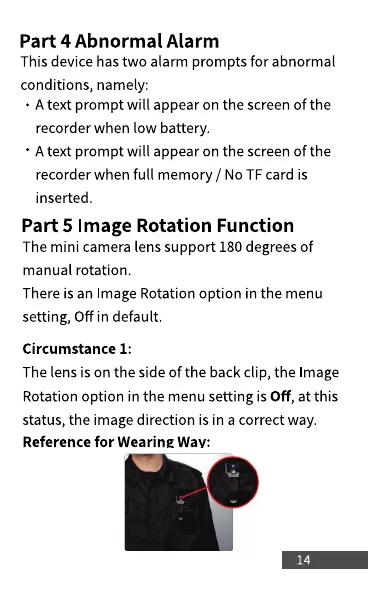
The lens is on the side of the back clip, the Image
Rotation option in the menu setting is Off, at this
status, the image direction is in a correct way.
Reference for Wearing Way:
14



 To Next Page