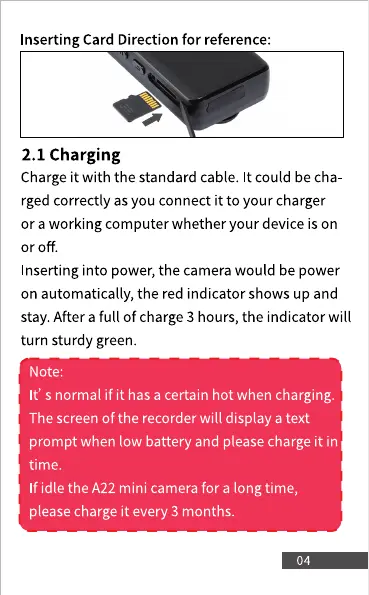
Inserting Card Direction for reference:
2.1 Charging
Charge it with the standard cable. It could be cha
rged correctly as you connect it to your charger
or a working computer whether your device is on
or off.
Inserting into power, the camera would be power
on automatically, the red indicator shows up and
stay. After a full of charge 3 hours, the indicator will
turn sturdy green.
Note:
It' s normal if it has a certain hot when charging.
The screen of the recorder will display a text
prompt when low battery and please charge it in
time.
If idle the A22 mini camerafor a long time,
please charge it every 3 months.



 To Next Page