GPS Version
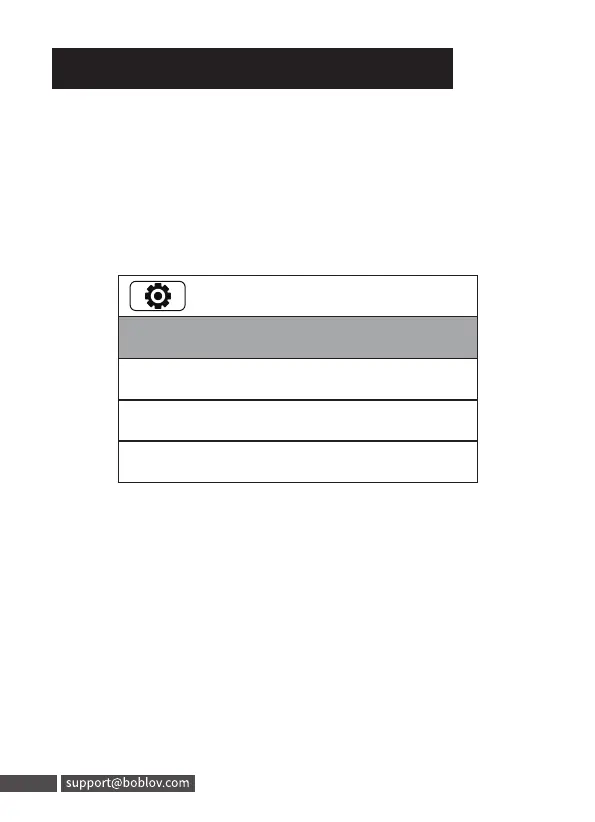
1. Step 1, Enter Menu, find option of“TimeZone”, set it to
your local time zone, and save.
Eg: If you are in the US, set the time zone to
"GMT-08:00" (According to your local time zone)
2. Step 2, Enter Menu, turn on the“Global Positioning”(the top
small icon will be yellow flash, the back of screen GPS icon
flashes), then go outside to locate the GPS, once the GPS is
located sucessfully, the top small icon will be yellow still.
And back screen will show your coordinate position. Then
the camera date & time will sync to the local correct time.
(Please use the GPS in an open place. Or the signal
will be hard to locate. )
7. Date and Time Setting
17/31
TimeZone:-8
Language: English
Screen Saver: 5Mins
LCD Brightness: High
17
7. Date and Time Setting
GPS Version
1. Step 1, Enter Menu, find option of"TimeZone" , set it to
your local time zone, and save.
Eg: Ifyou are in the US, set the time zone to
"GMT-08:OO"(According to your local time zone)
17/31
TimeZone:-8
Language: English
Screen Saver: 5Mins
LCD Brightness: High
2. Step 2, Enter Menu, turn on the"Global Positioning" (the top
small icon will be yellow flash, the back of screen GPS icon
flashes) , then go outside to locate the GPS,once the GPSis
located sucessfully, the top small icon will be yellow still.
And back screen will show your coordinate position. Then
the camera date & time will sync to the local correct time.
(Please use the GPS in an open place. Or the signal
will be hard to locate. )
17 support@boblov.com



 To Next Page