5. Delete the files: In standby mode, press“ ”
button to enter the playback mode, then long
press“OK” button again for deleting the files on
device.short press “FN”to select video,photo, audio
playback
6. If you set password, the defualt Password: 000000
7. Press“Power” button to exit to previous interface
when menu setting or playing back files
05
1
2
3
4
5. Delete the files: In standby mode, press"
button to enter the playback mode, then long
press "0K" button again for deleting the files on
device.short press "FN"to select video, photo, audio
playback
6. If you set password, the defualt Password: 000000
7. Press" Power" button to exit to previous interface
when menu setting or playing back files
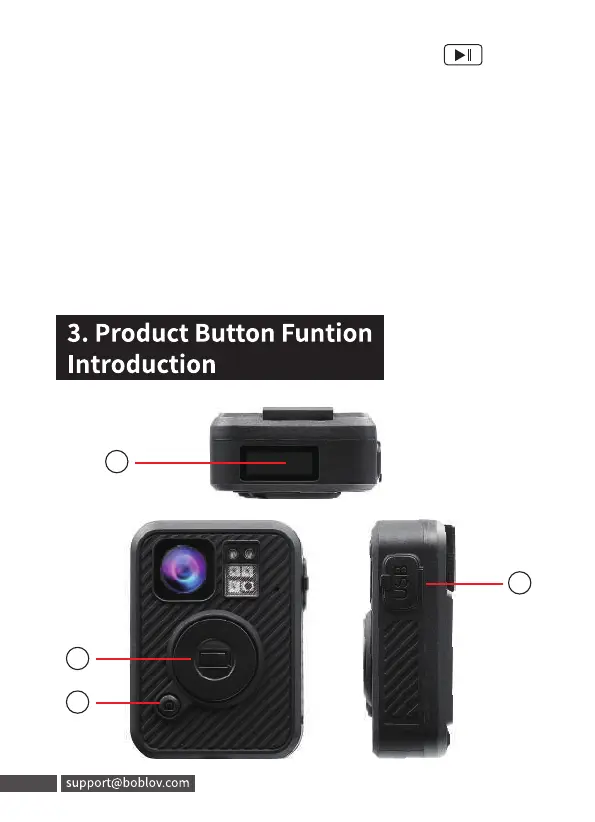
3. Product Button Funtion
Introduction
05 support@boblov.com



 To Next Page