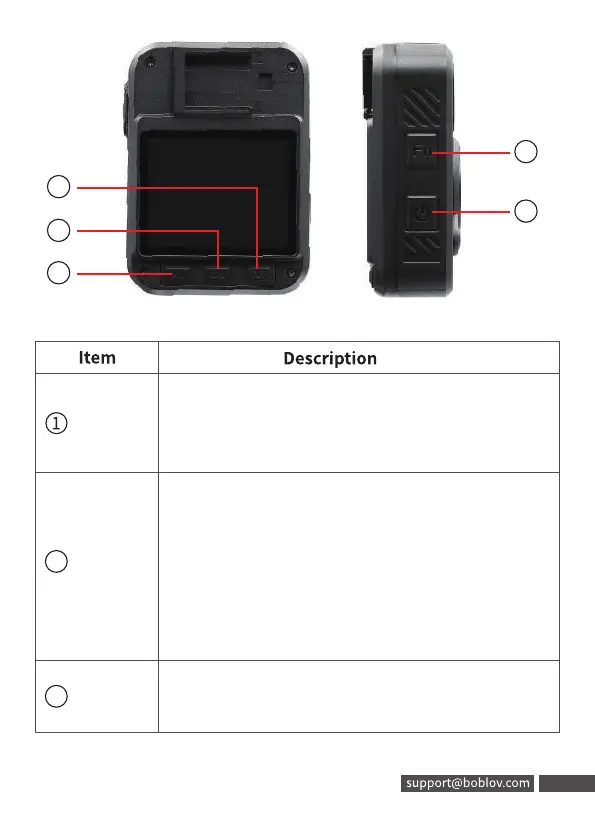
Top LCD
screen
Showing GPS,WIFI, Infrared, recording
status, battery level, or memory space;
Press power button to turn the LCD on/off
Record
Button
a) Short press to start video recording when
in standby mode
b) Long press to turn off recording
c) While camera is powered off, hold for 3
seconds, camera will turn on and start
recording immediately
Photo
Button
Short Press to take photo in standby mode
or in video recording mode
2
3
06
5
6
7
8
9
Item
Top LCD
O
screen
Record
(J Button
Photo
Button
Description
Showing GPS,WIFI, Infrared, recording
status, battery level, or memory space;
Press power button to turn the LCD on/off
a) Short press to start video recording when
in standby mode
b) Long press to turn off recording
c) While camera is powered off, hold for 3
seconds, camera will turn on and start
recording immediately
Short Press to take photo in standby mode
or in video recording mode
support@boblov.com 06



 To Next Page