www.boblov.com
2.8 Playback Files on Camera
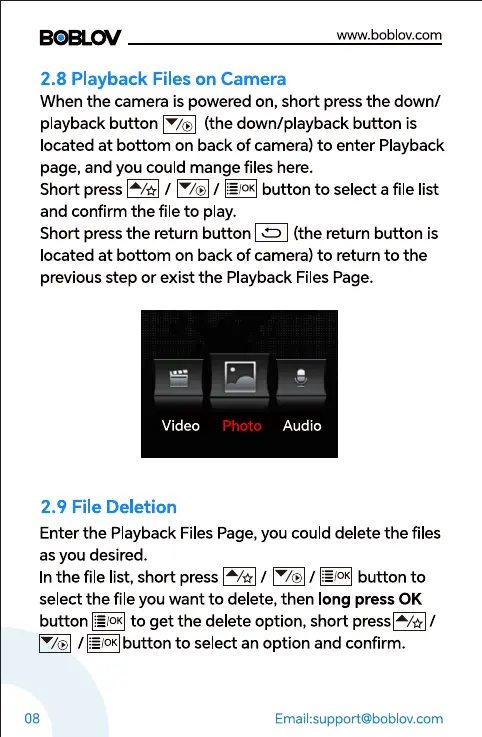
When the camera is powered on, short press the down/
playback button (the down/playback button is
located at bottom on back of camera) to enter Playback
page, and you could mange files here.
Short press / / É$?.É]button to selectafile list
and confirm the file to play.
Short press the return button (the return button is
located at bottom on back of camera) to return to the
previous step or exist the Playback Files Page.
Video
2.9 File Deletion
photo Audio
08
Enter the Playback Files Page, you could delete the files
as you desired.
In the file list, short press / / button to
select the file you want to delete, then long press 0K
button to get the delete option, short /
/ to select an option and confirm.
Email:support@boblov.com



 To Next Page